
Rashmi Designing Studio

thumbnail
thumbnail
thumbnail
thumbnail
thumbnail
thumbnail
thumbnail
thumbnail
thumbnail
thumbnail
thumbnail
thumbnail
thumbnail
thumbnail
thumbnail
thumbnail
thumbnail
thumbnail

Intermediate Digital Jewellery Design on Procreate Course

₹18265 ,US $198

Intermediate Digital Jewellery Design on Procreate  is a course for learning procreate jewellery in an efficient and smart way with foundation and complex knowledge - with  ease of the advance setting brushes provided  (270 + Procreate Jewellery Brushes absolutely free!.A complete course provided with knowledge required for basic and intermediate knowledge to do jewellery illustration with upgraded techniques.

This course allow students to help students to  complete their procreate jewellery designing in a smarter and shorter period of time  than traditional methods of designing  by making  the curriculum more efficient without losing the charm of effective basic structure of designing! Learning at their own time and pace without any obstacle .It makes it flexible enough for students to take courses from different geographical locations,irresspective of time zone difference without any compulsory need for a physical meeting on any medium so it  will help jewellery designers artists and enthusiasts all the benefits of working digitally, making it easier to create and share digital art from anywhere without any hindrance.

It gives you the basic and advance commands and gestures with the help of brushes which will help in the quick modification of designs making your work super-efficient. This course will take you through the steps in Procreate application to transform your sketches into reality with the power of Procreate tools and gestures. Procreate is that application, which can be super intuitive once you know what you can do with it.

What you will learn:

  • An introduction to the Procreate software used for Jewellery designing.
  • User Interface Mastering the tools & commands of the Procreate software.
  • Create an array of basic shapes and motifs following principle of light and shadow.
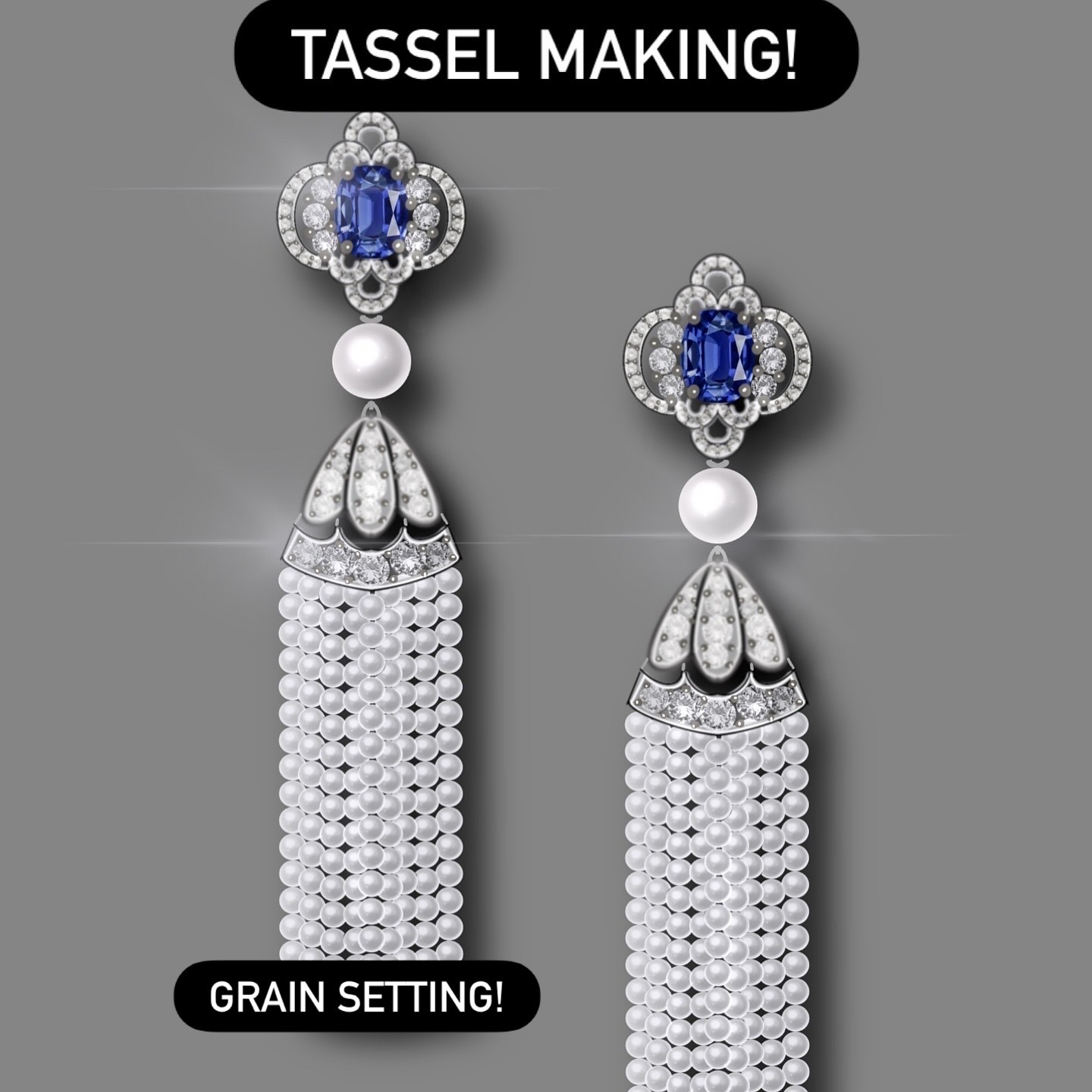
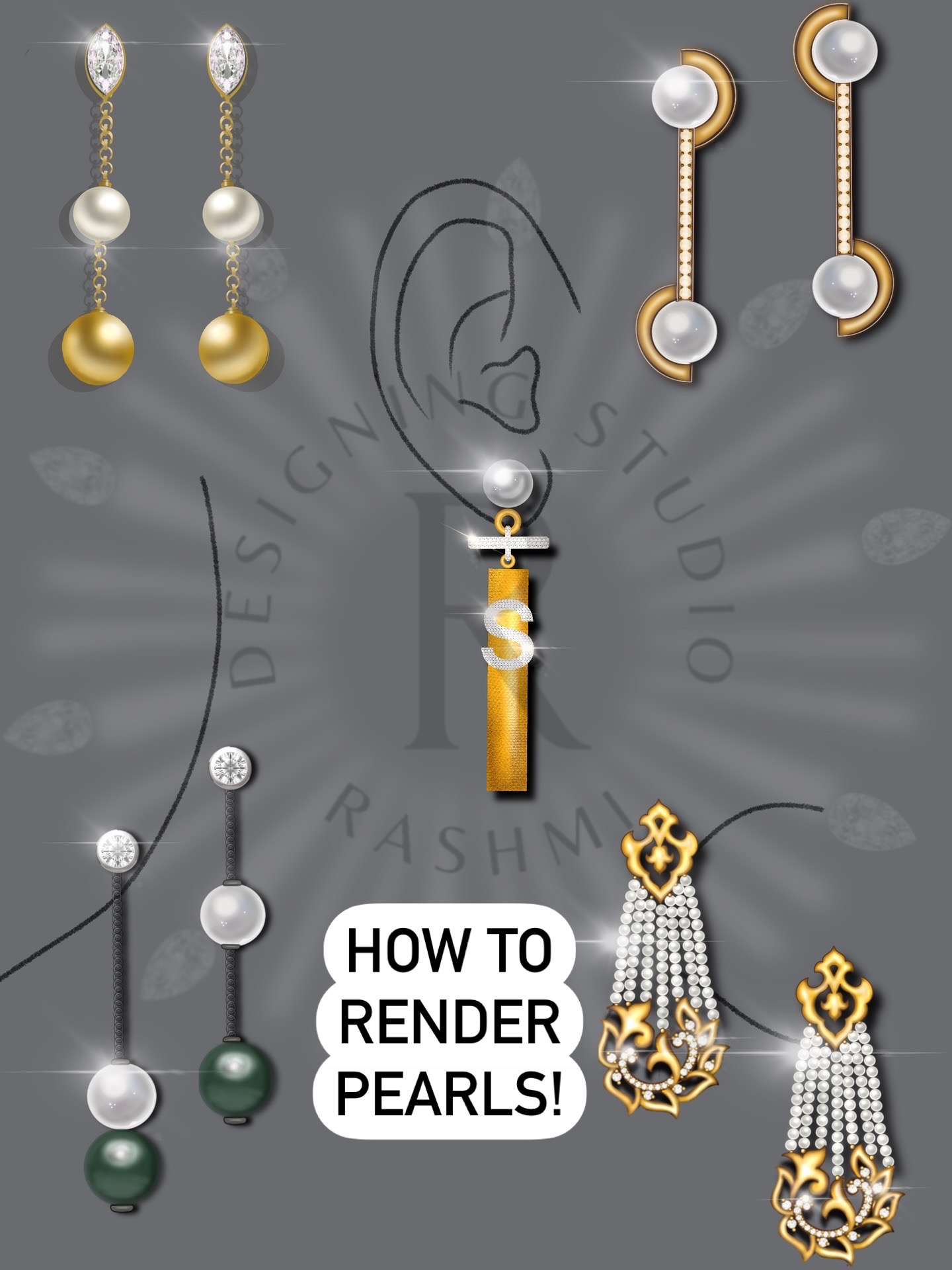
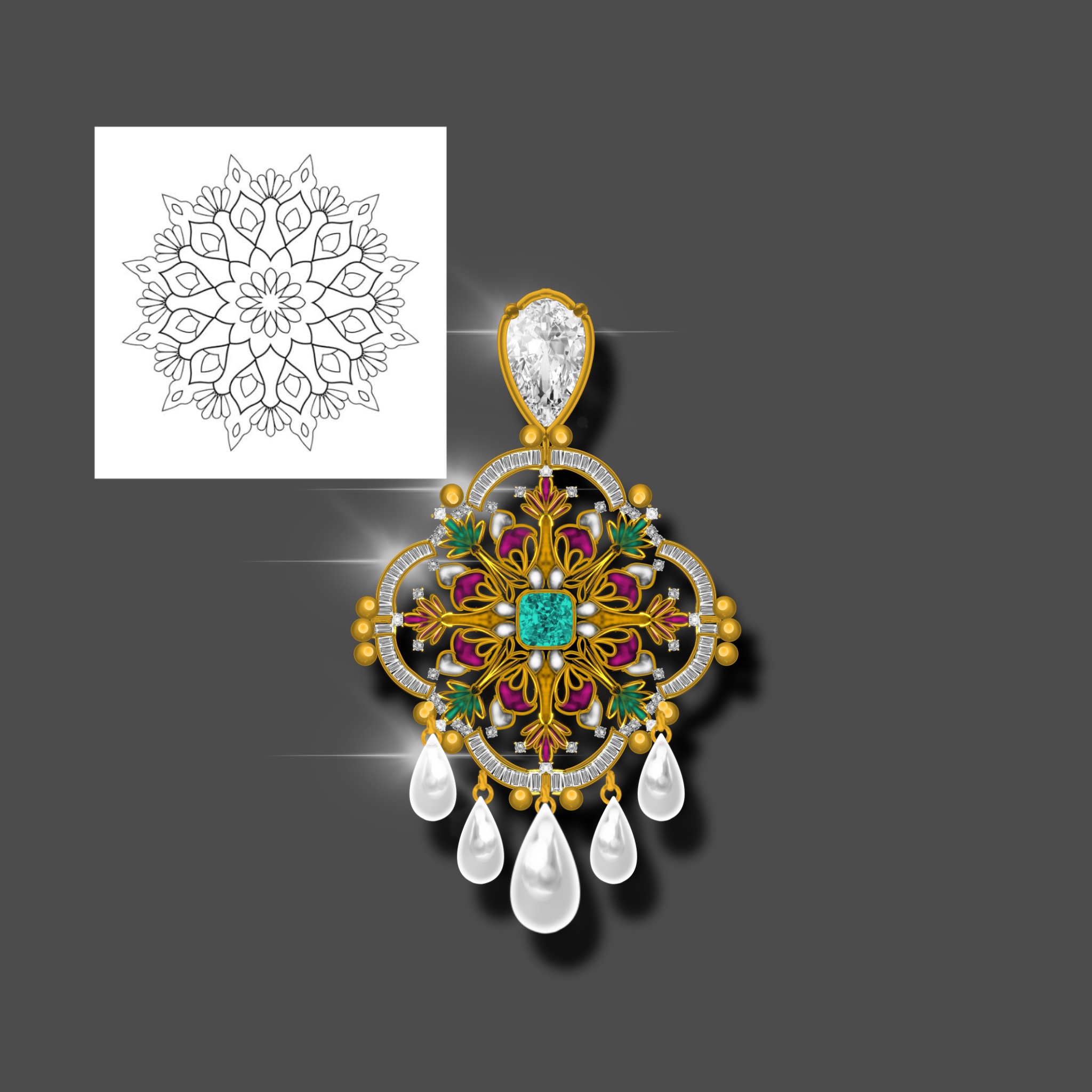
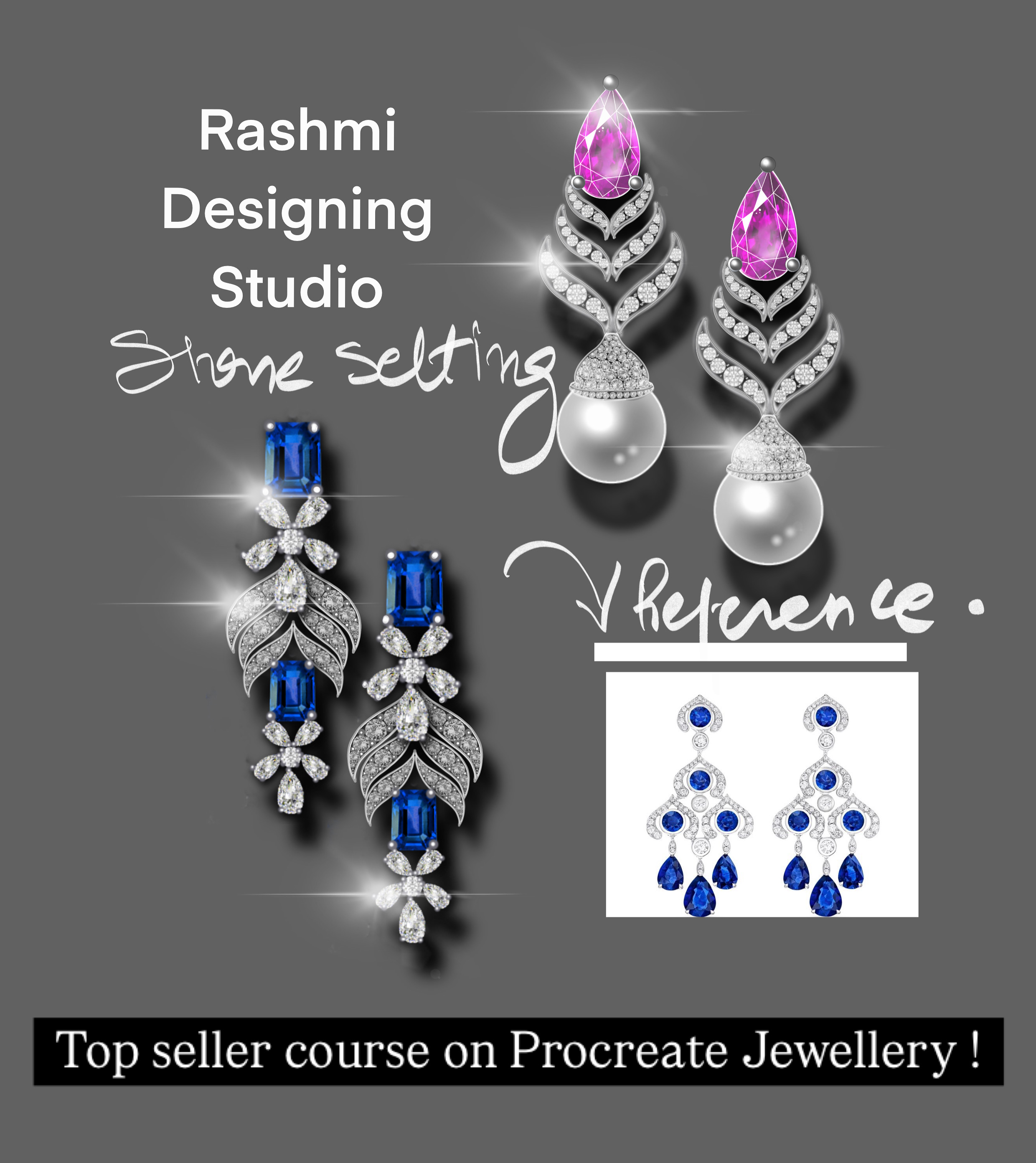
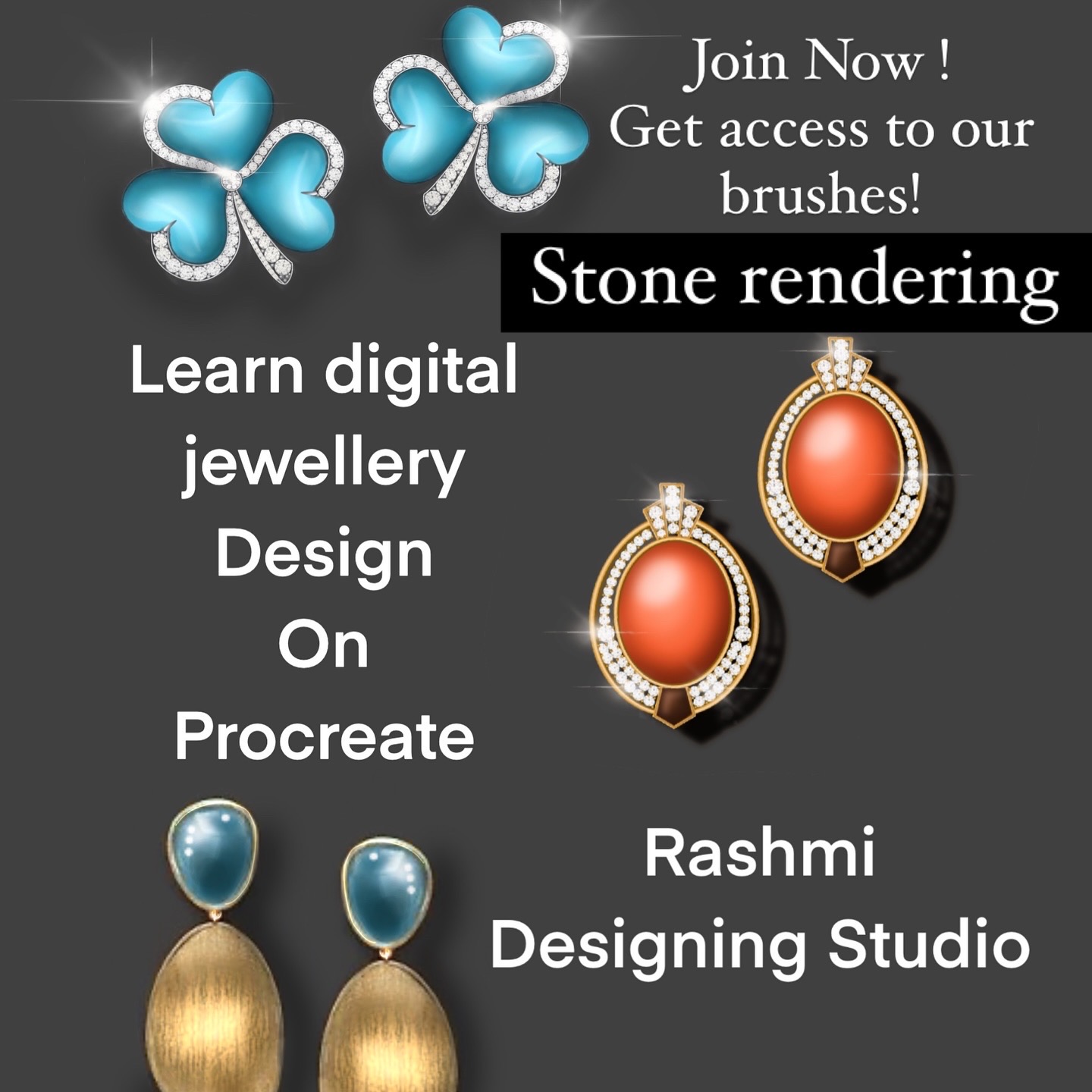
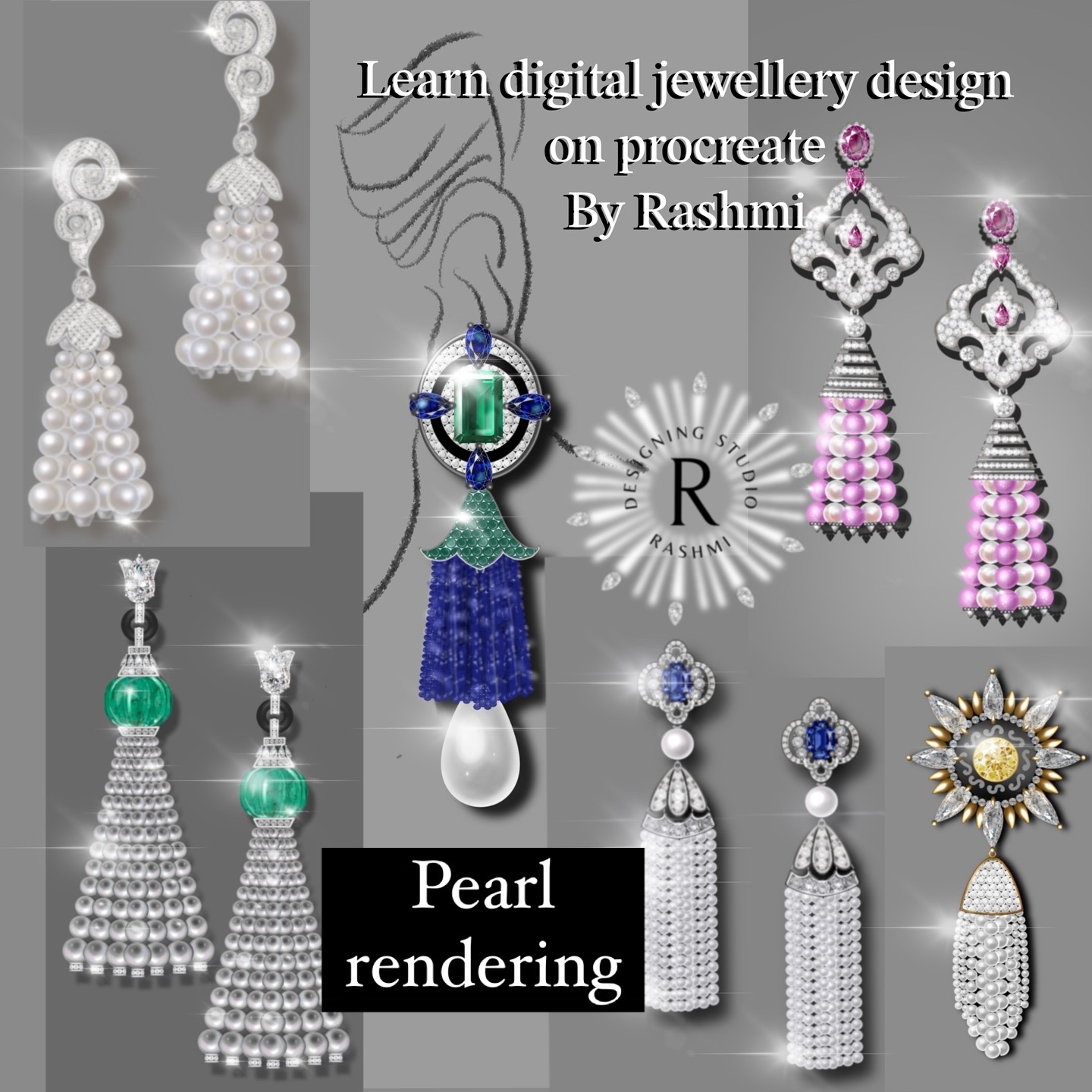
  • Construction and rendering of gemstones, pearls ,tassels and diamonds,with smarter techniques 
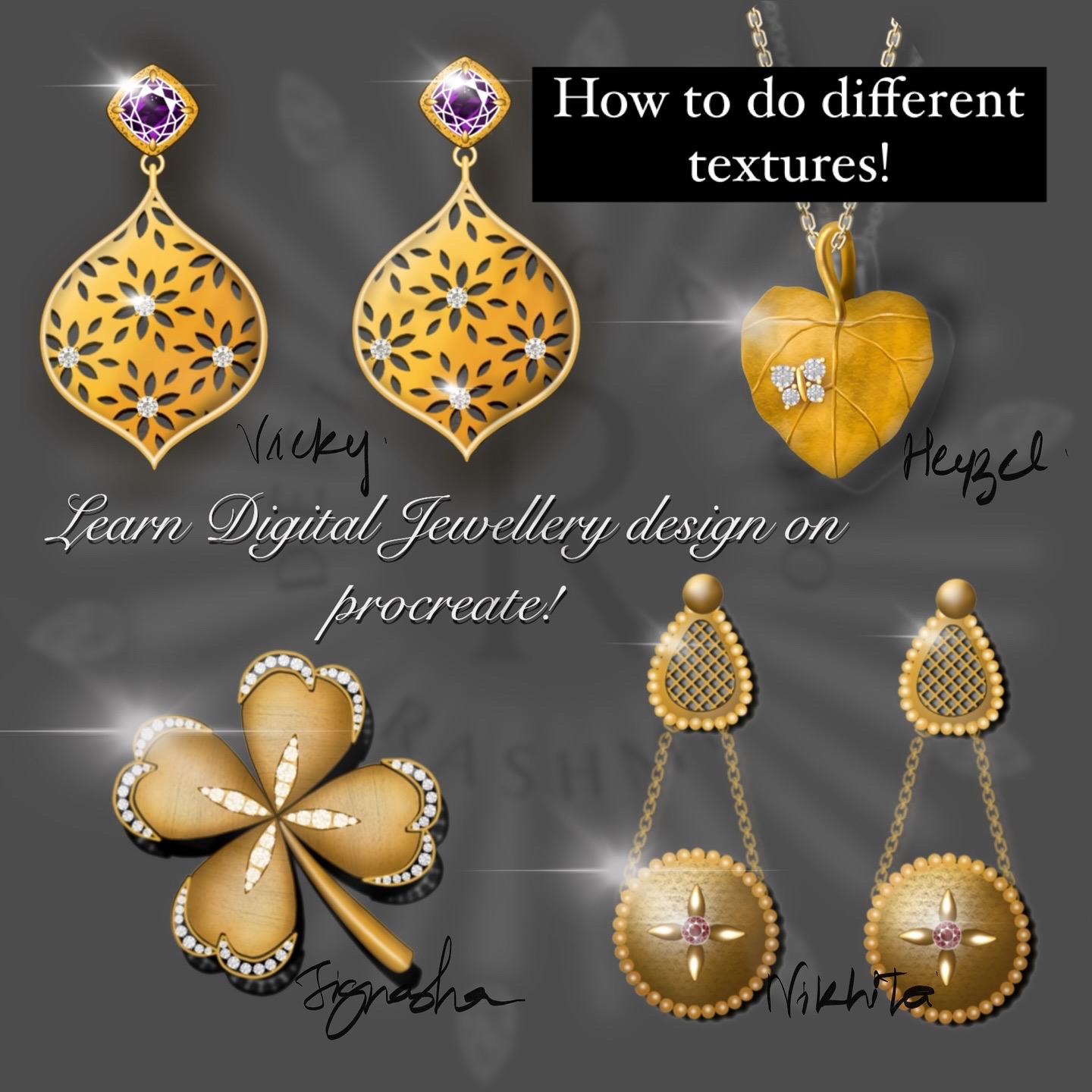
  • Illustrations of different types of metals and surface textures for metal jewels 
  • Illustration of linking and findings (Jump rings, chains) 
  • Designing your own different types of brushes 2d and Dual opaque brushes for effective designing  
  • Use of all types of gems ,texture ,and advanced settings ,filigree brushes for rendering jewellery 
  • How to create grid for size , measurements on procreate for doing jewellery
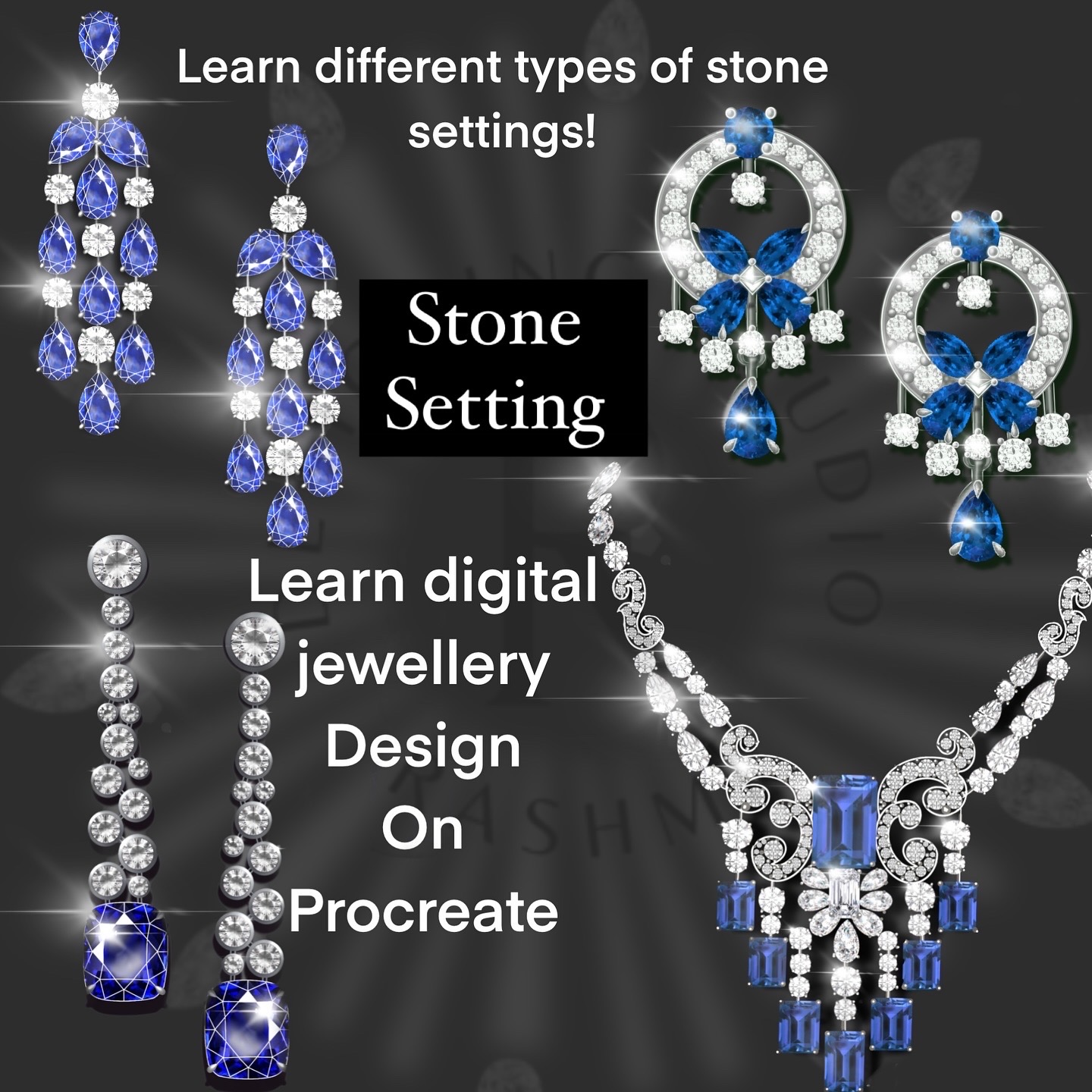
  • Illustration of basic and advanced Jewellery settings for designing products in efficient way
  • Illustration of jewellery with efficient ways doing jewellery decorative technique such as embossing filigree engraving etc
  • Making of metallic brushes for doing quick jewellery 
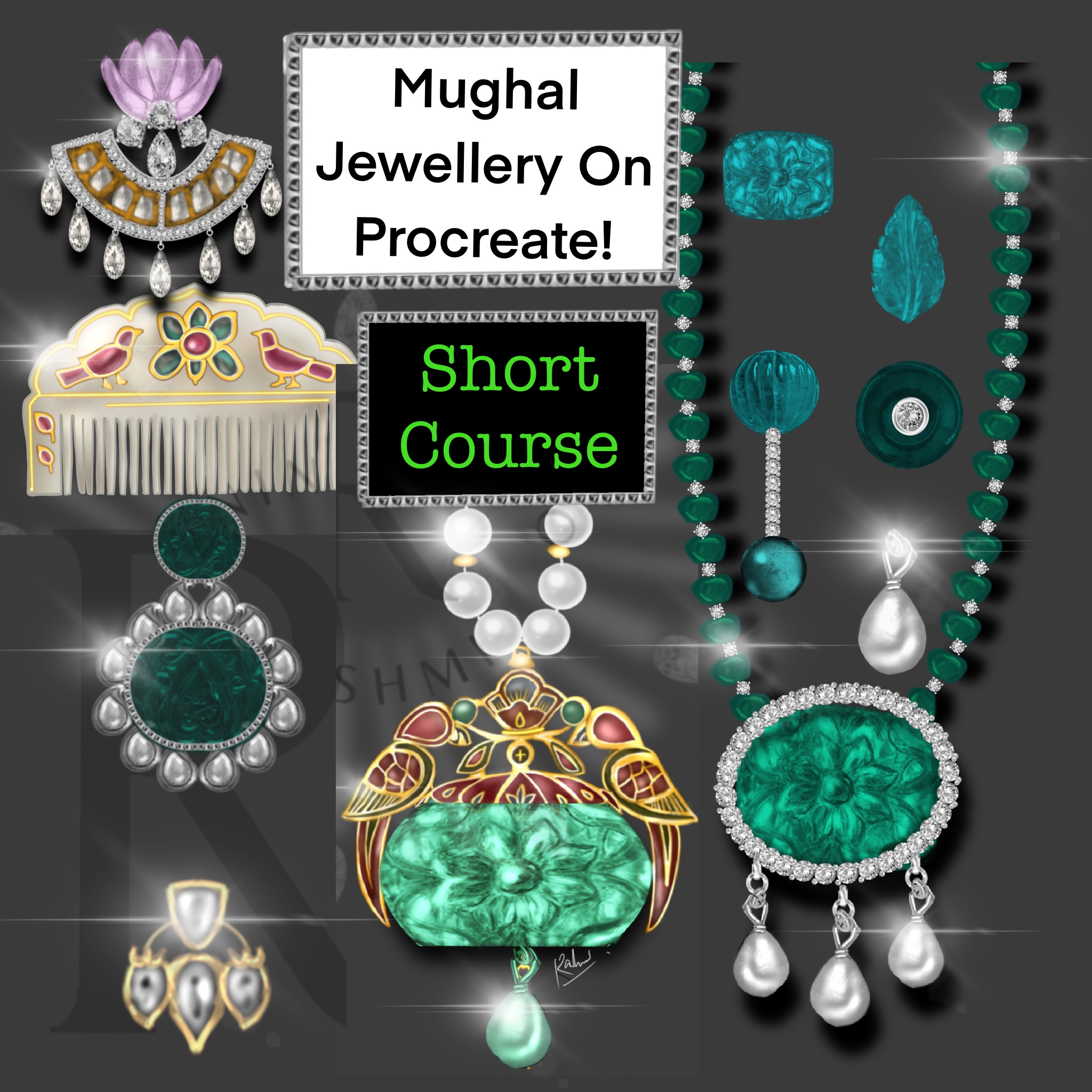
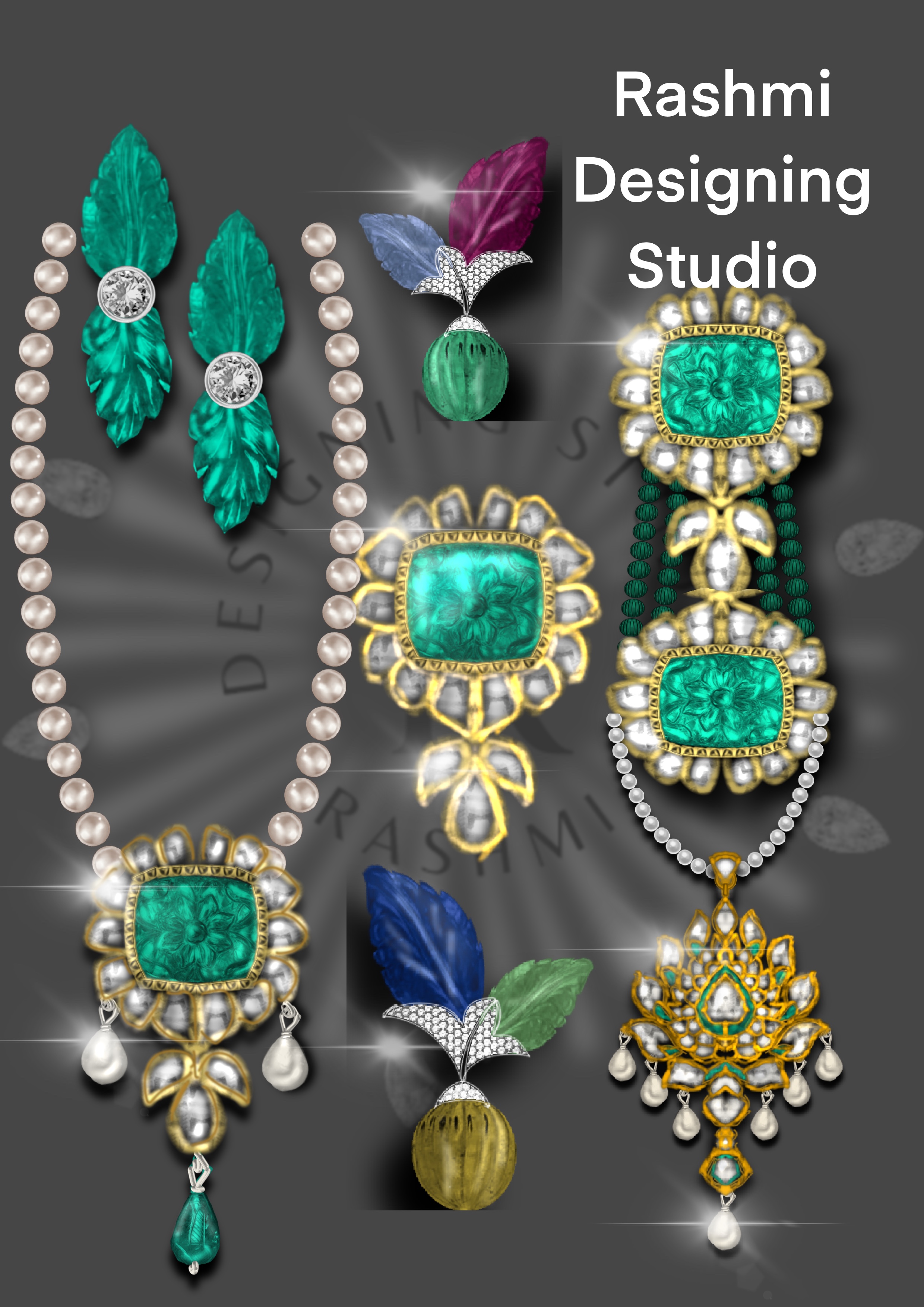
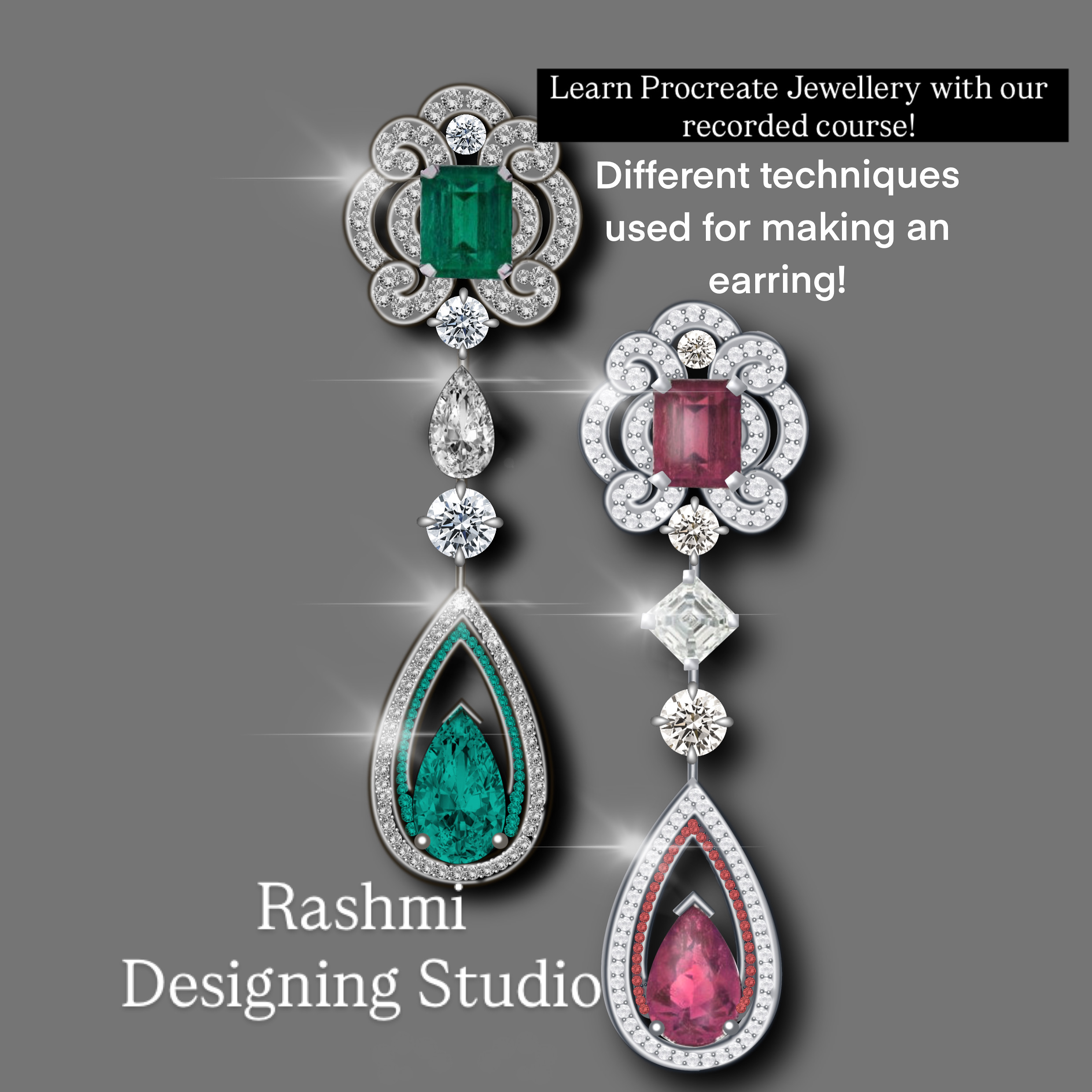
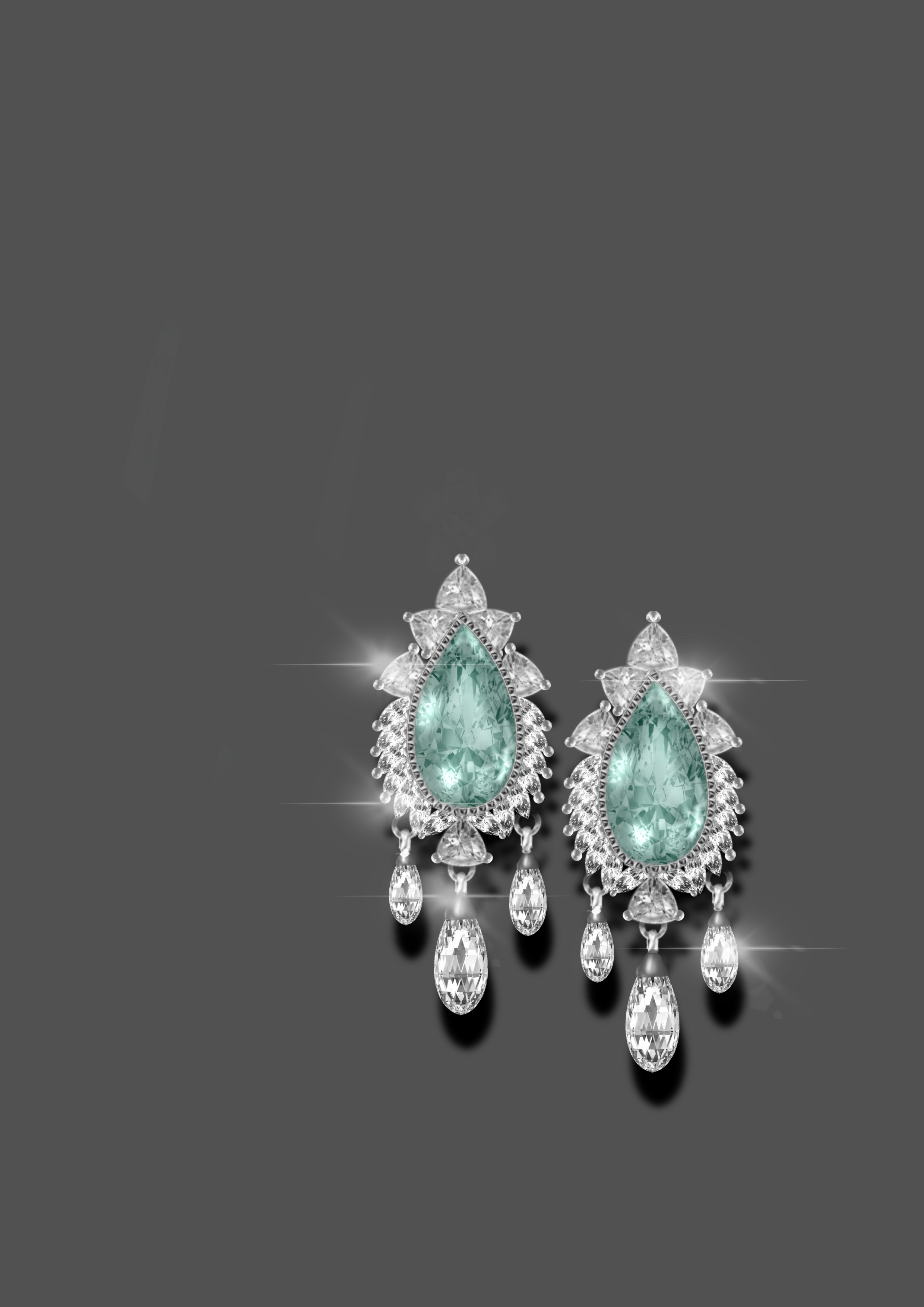
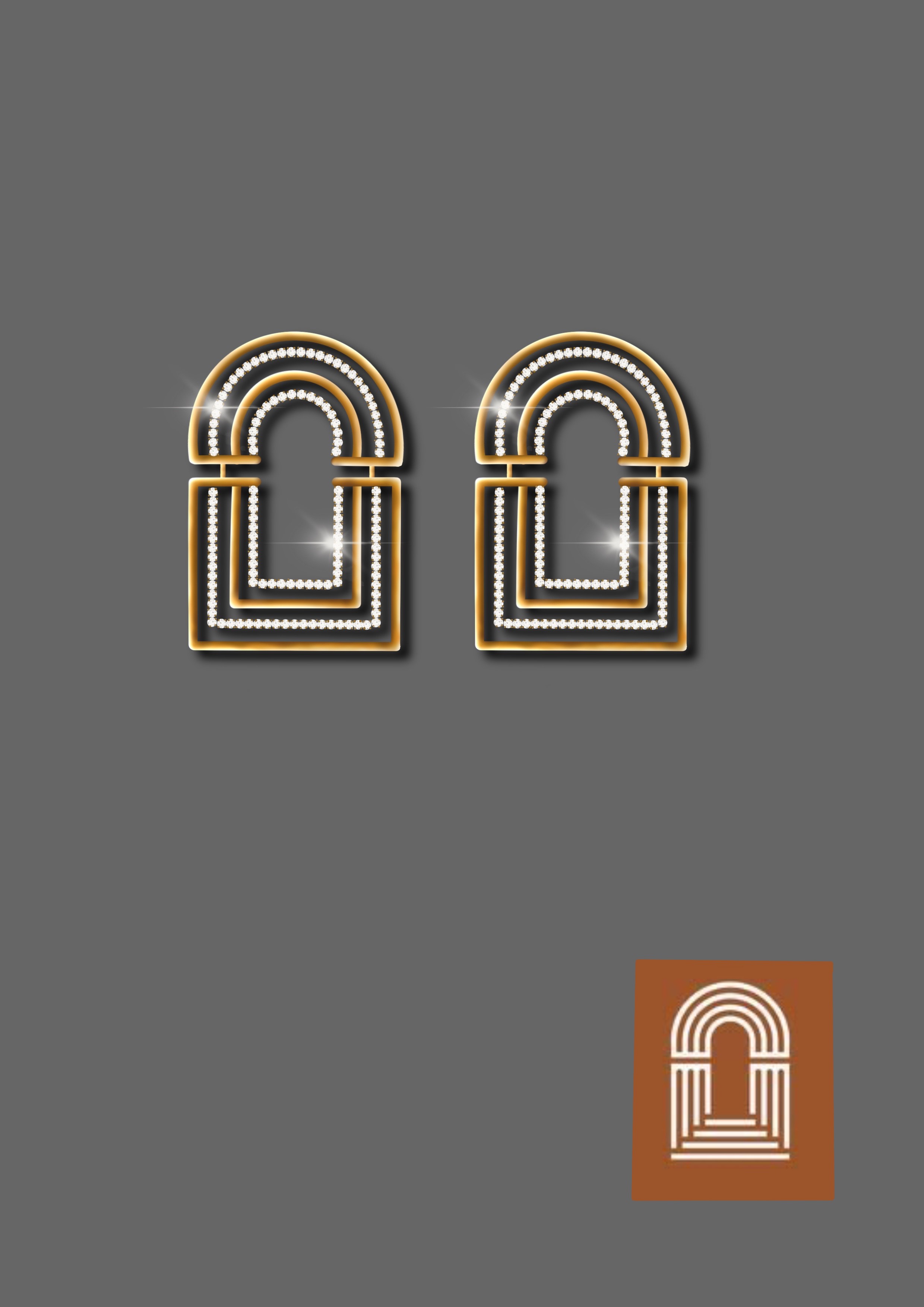
  • Rendering of products such as Pendant Earrings and necklace etc
  • How to make use of AI for doing jewellery perspective view complimentary video

What you will learn!  

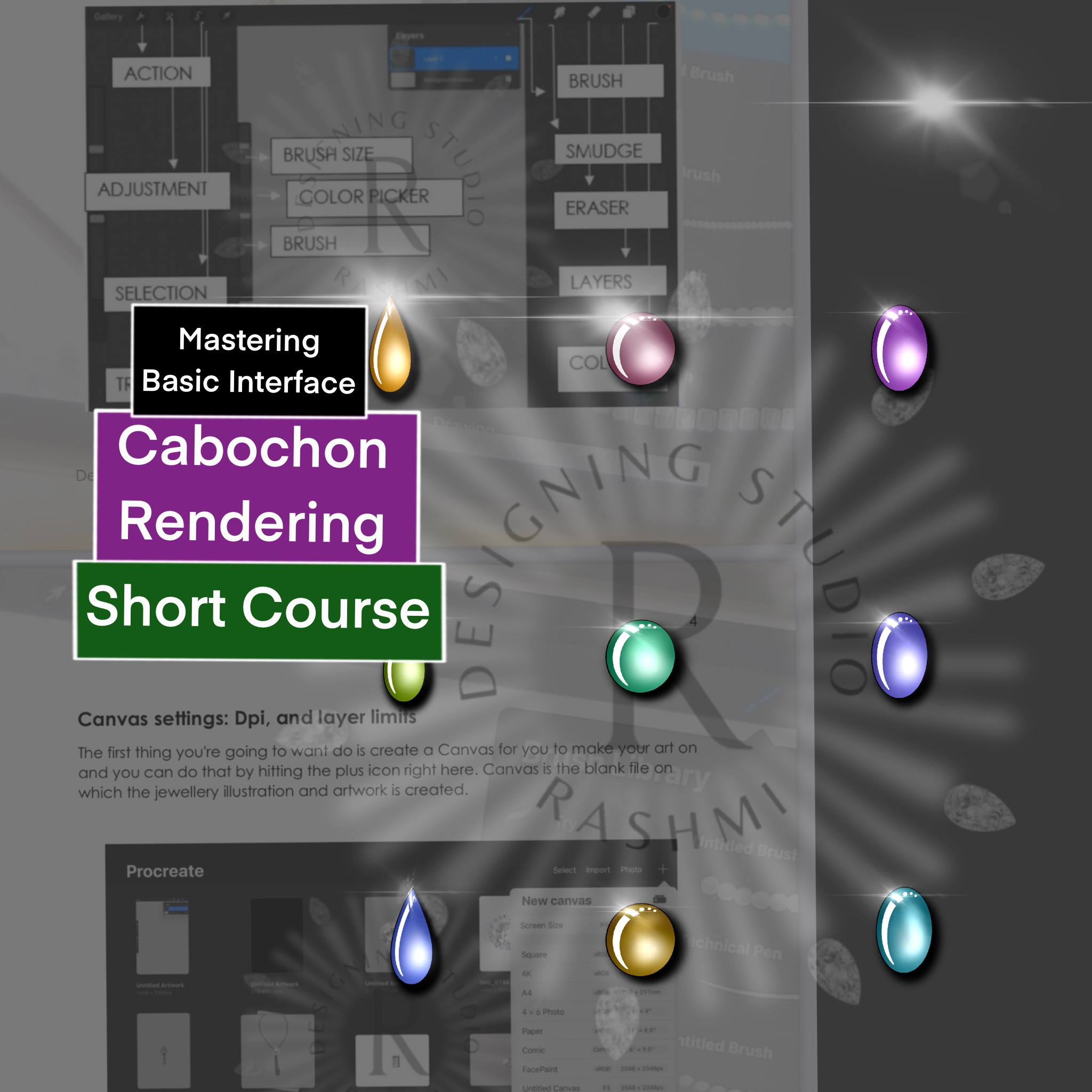
  • Mastering tools and interface settings on Procreate
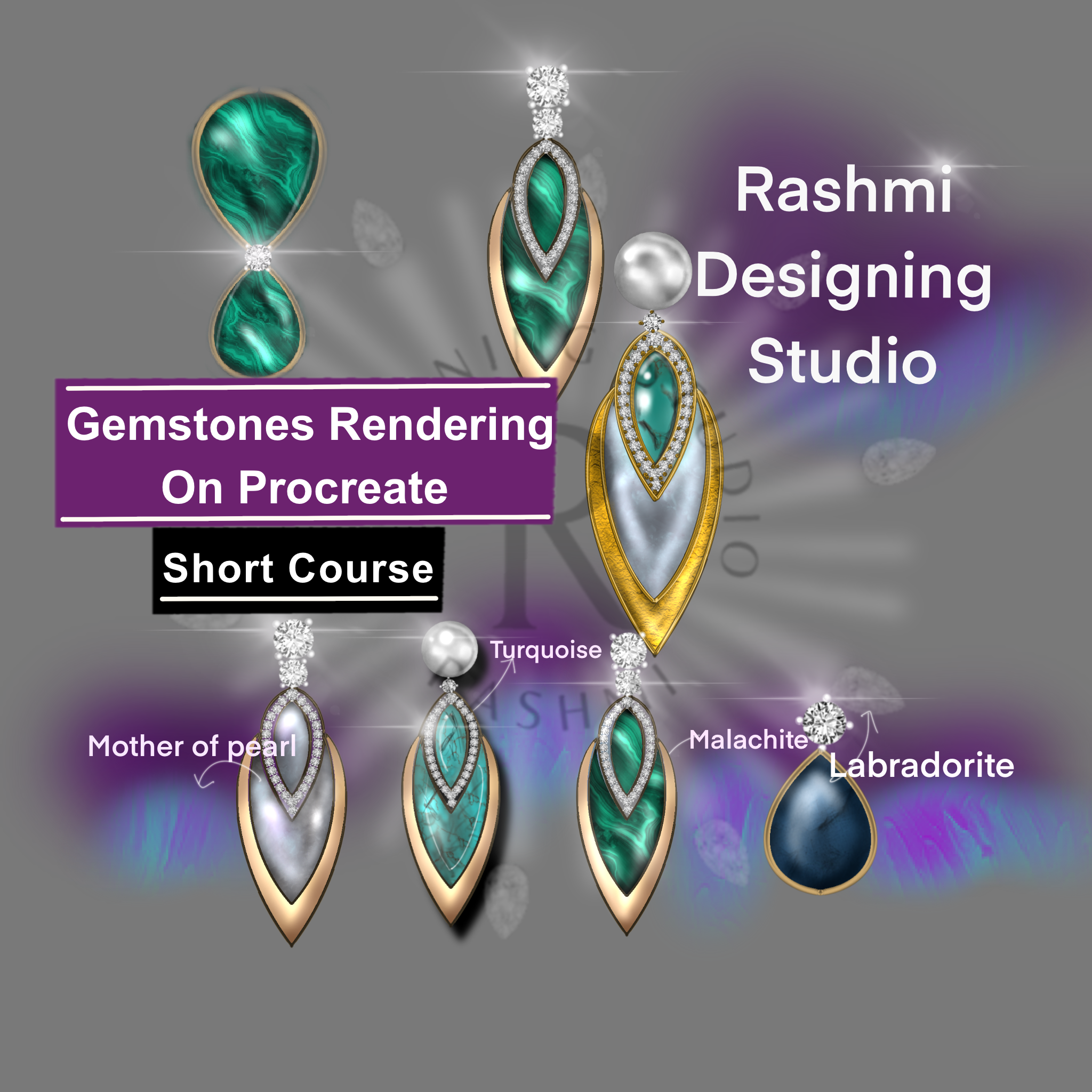
  • Rendering of opaque cabochons and gem cut following principle of light and shadow(free hand painting)  
  • Rendering of stones following principle of light and shadow in a smarter way
  • How to use colored stones using shine and different Colors for fine gemstone jewellery 
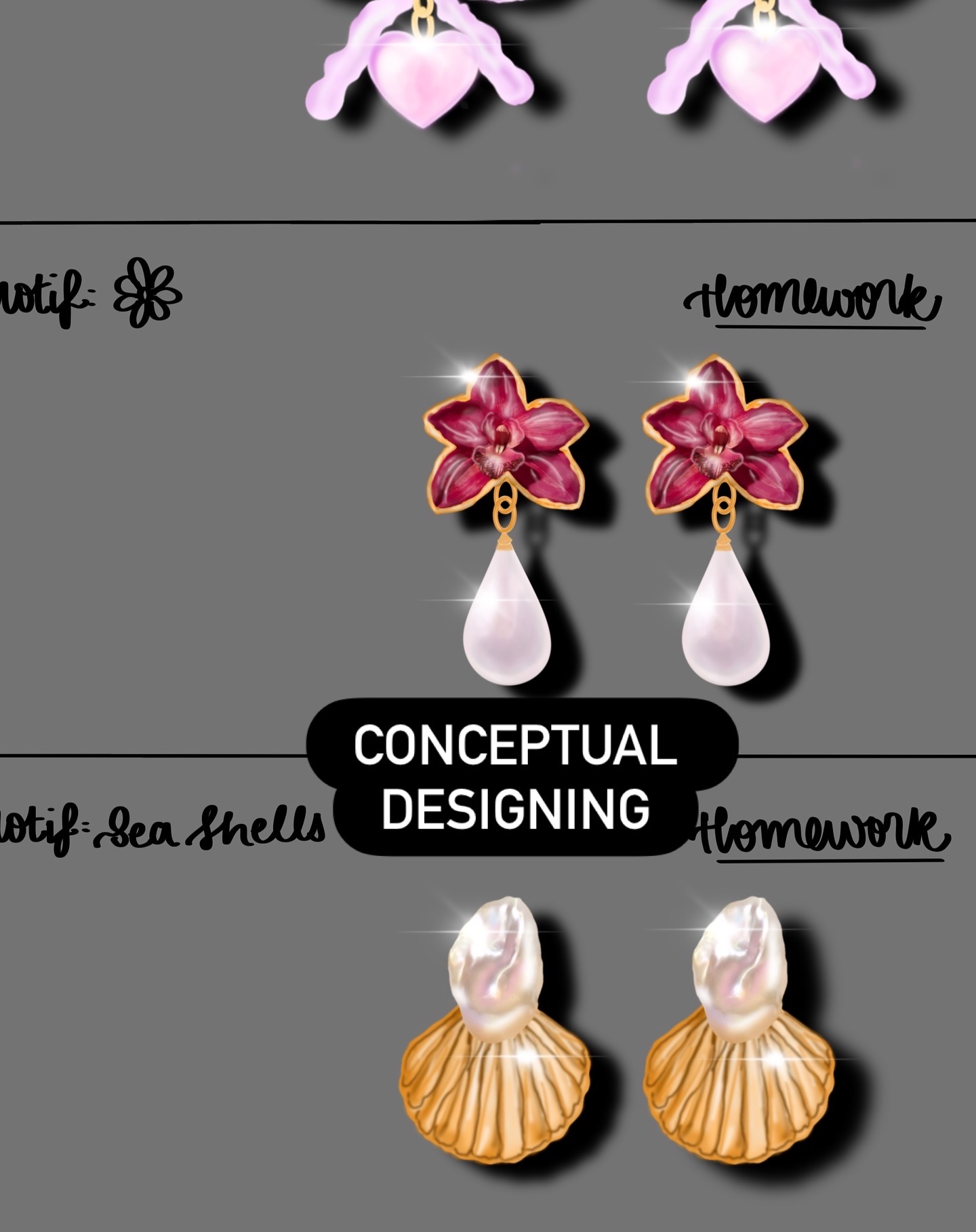
  • Create an array of basic shapes and cheat sheet for motifs following principle of light and shadow.
  • Construction and rendering of gemstones, pearls and diamonds,with smarter techniques 
  • Illustration of gemstone by choosing dual colors using dual brushes
  • Illustrations of different types of metals and surface textures for making metal jewellery 
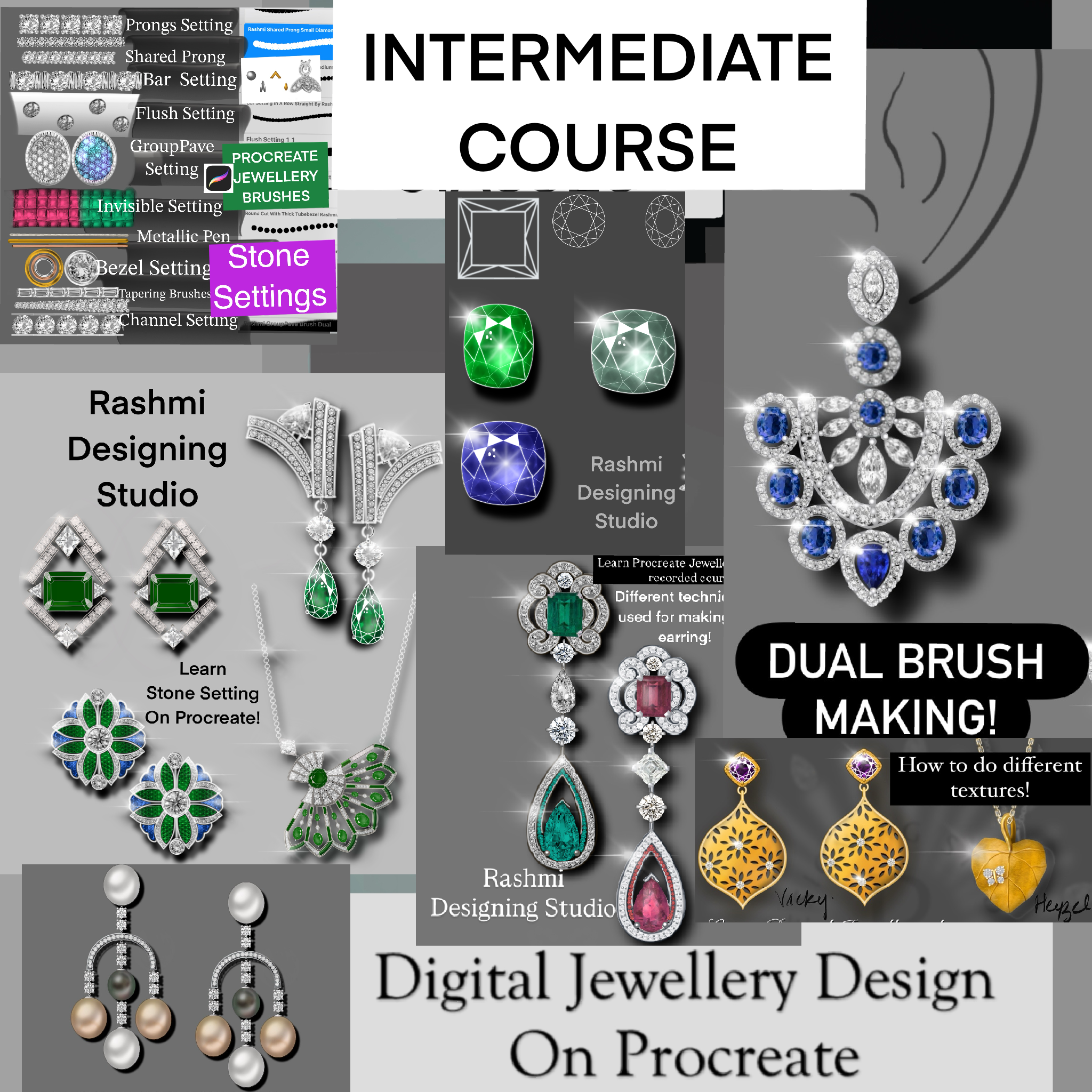
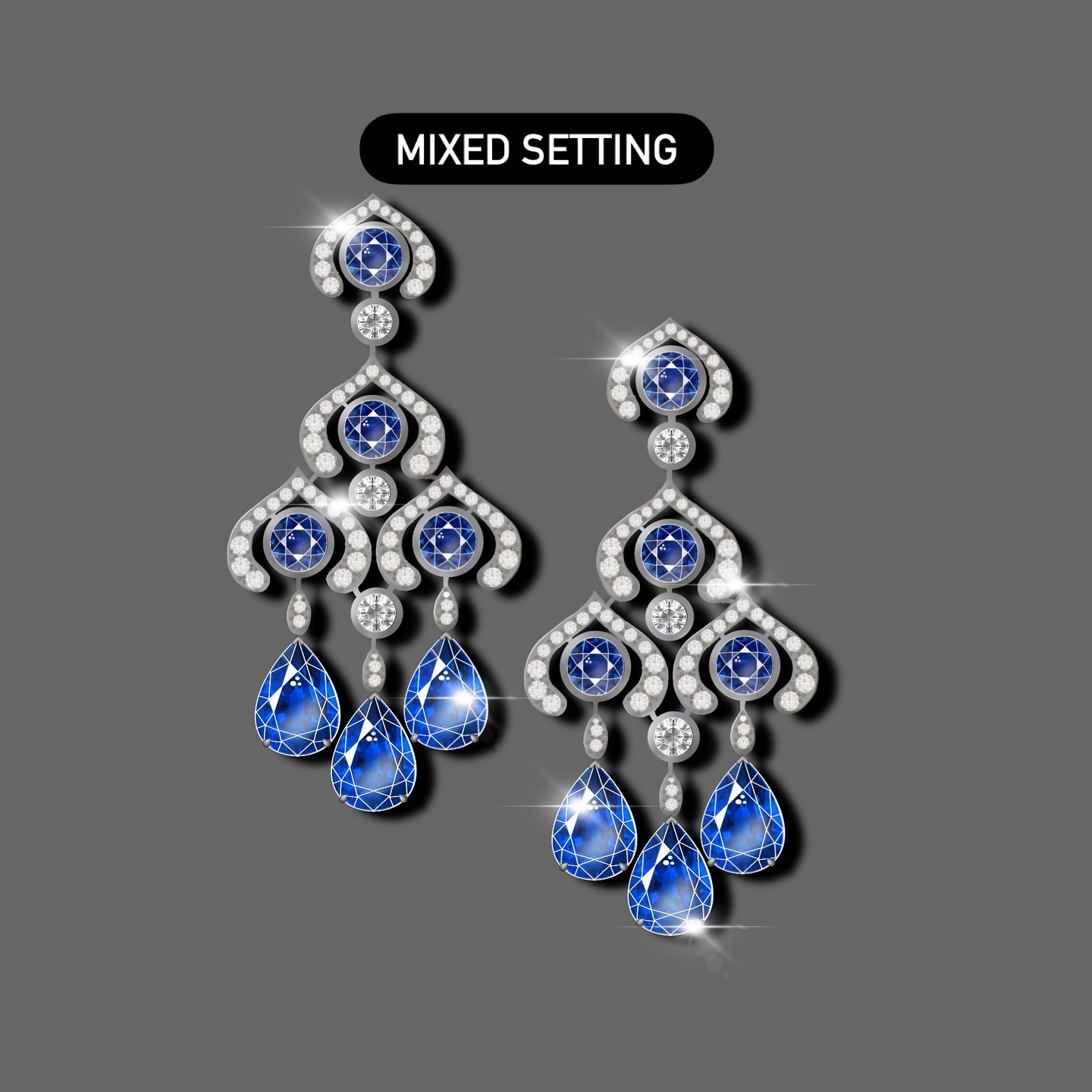
  • Basic jewellery settings with different techniques for making jewellery 
  • Illustration of linking and findings (Jump rings, chains) pearls tassels
  • Designing your own different types of brushes 2d and Dual opaque brushes for effective designing 
  • Use of filigree brushes for rendering jewellery 
  • How to create grid for set measurements on procreate for doing jewellery on app
  • Illustration of Advanced Jewellery settings bar setting,gypsy,flush etc ,colored pave for designing products in efficient way
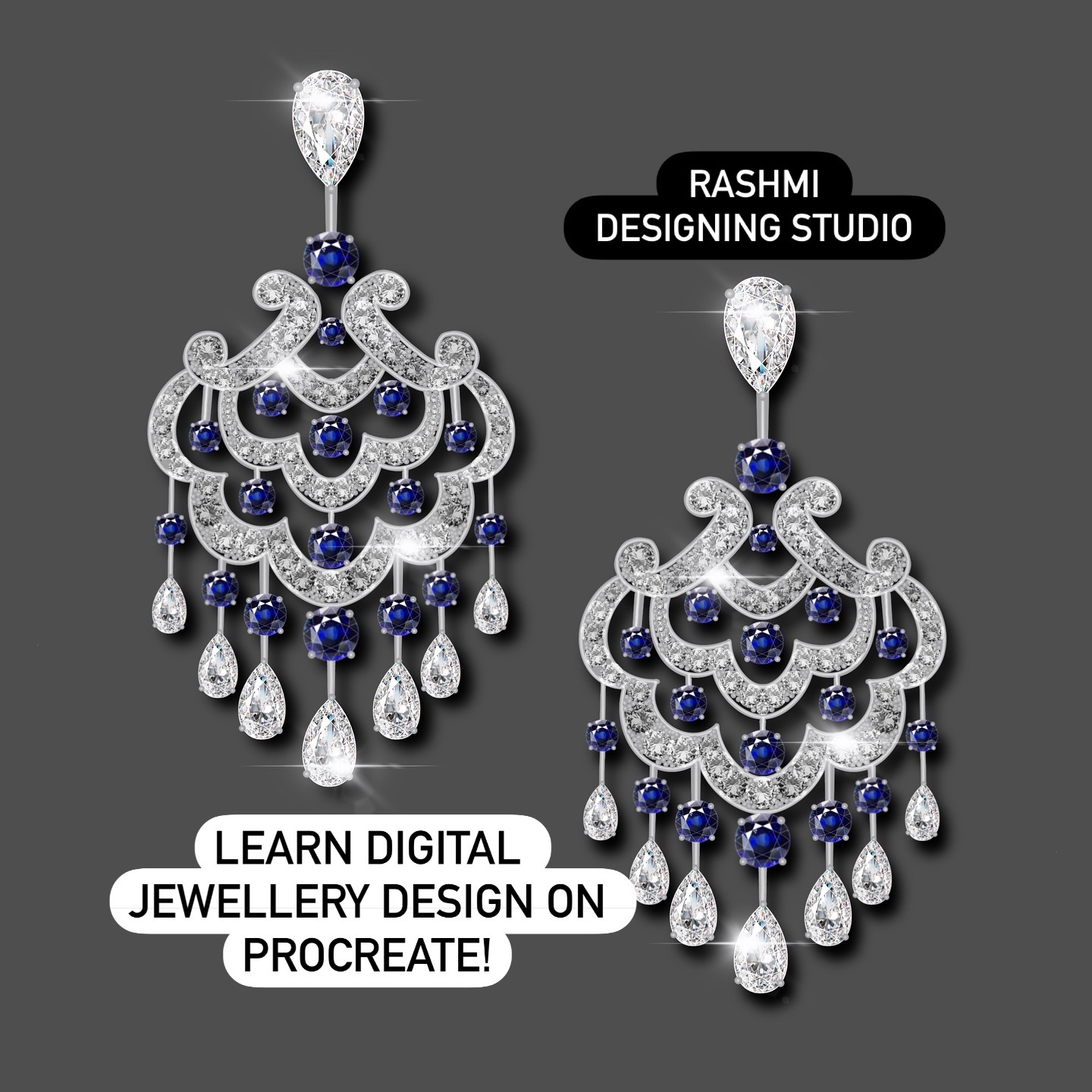
  • Rendering of products such as Pendant Earrings and necklace etc
  • Illustration of jewellery with efficient ways doing jewellery decorative technique such as embossing filigree engraving etc
  • Making of dual metallic brushes for doing quick surface textures on jewellery 
  • Rendering of products such as Pendant Earrings and necklace etc
  • How to make use of AI for doing jewellery perspective view complimentary video

What you will get as a course material

  • 3 months course with unlimited view 15+ Pre-recorded classes  (With subtitles in English) 
  • Gemstones images
  • Stone cut images
  • Metal color palette
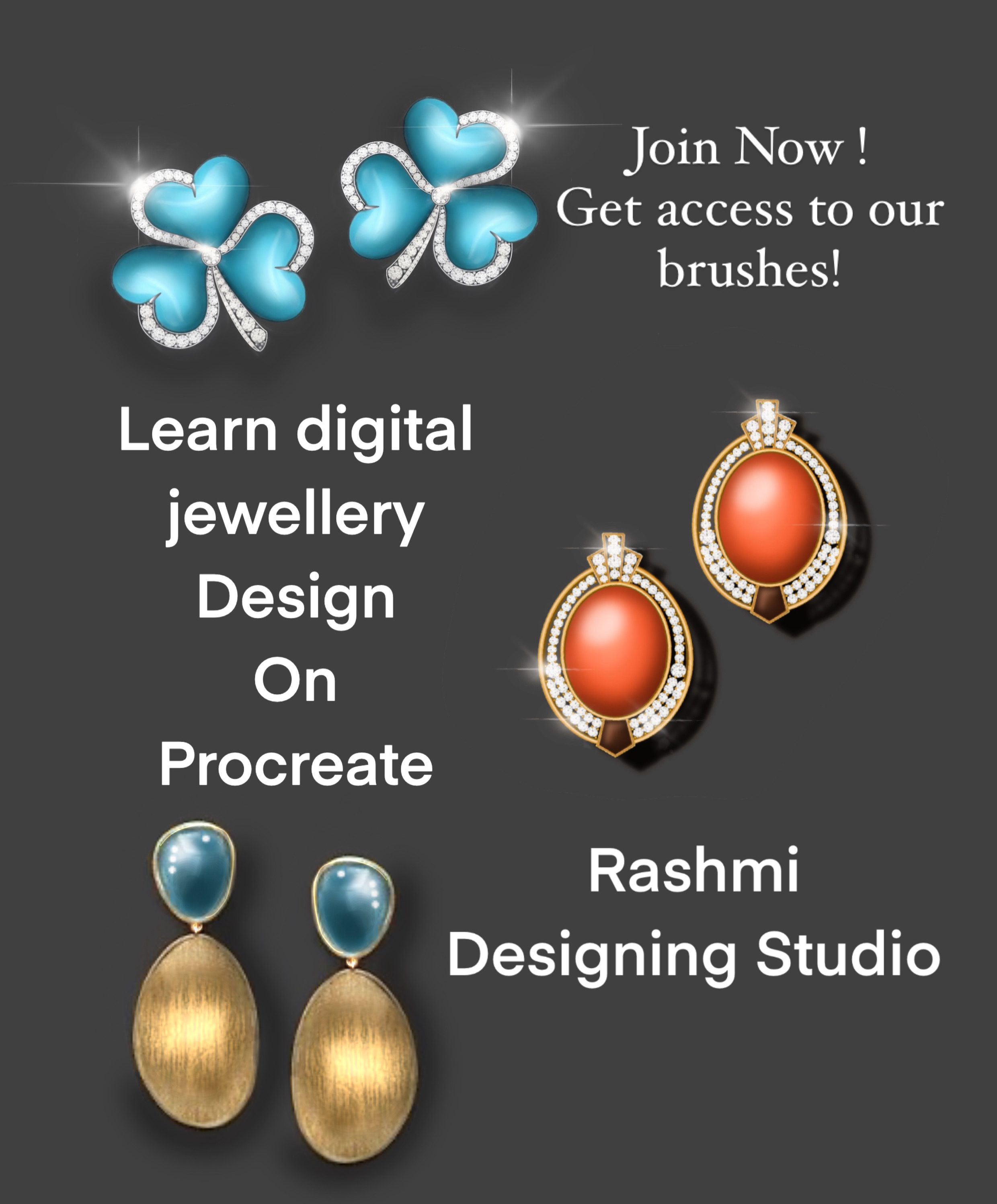
  • 270 + Customized Brushes -Advance Stone Setting Brushes for procreate jewellery,different types of diamond cuts ,  Dual Color brushes for diamond and colored gems , diamond brushes,types of chain brushes, shapes  & filigree brush Jewellery ,component  brushes  - bezel, prongs, tassels, outlined pens, etc,jewellery decorative embellishment brushes ,geometric shape and facet brushes -videos how to use dual brushes etc
  • Cheat sheets with bonus videos 
  • E-book in English which facilitates the basics of procreate command for using interface of procreate in future with ease for jewellery designing
  • What are the benefits

    Digital Jewellery Design on procreate jewellery is an intermediate course with basic and effective techniques gives artists all the benefits of working digitally, making it easier to create and share digital art from anywhere without any hindrance. It gives you the commands and gestures which will help in quick modification of designs making your work super-efficient.

    Jewellery Design course will take you through the steps in Procreate application to transform your sketches into reality with the power of procreate tools and gestures. For those of you that work digitally, you'll understand. Procreate is that it's super intuitive once you know what you can do with it.By the time course is over, creating digital jewellery illustrations will be as easy and more natural then drawing on paper with colored pencils

  • Available at any time according to your convenience
  • Step-by-step instructions for each task
  • Access to video lessons for 3 months
  • 3 months course with 15+ pre-recorded classes with few bonus videos
  • Access to material for 3 months
  • Step-by-step instructions for each task
  • Customized materials for learning
  • In first 3 classes, students will be able to see my hands whereas in remaining classes, students will be able to see only screen for better understanding of the subject. All actions are shown and every step has been explained through Voiceover and subtitled instructions.


To access your brushes, please follow the below steps:

1. Login to Your account.

2. Under order tab, customer can see their purchases

3. Against each brush, click download and View 

4. Download the files. Once it is completed, it will reflect in your downloads folder

5. Click on the downloaded files, it will automatically open procreate app and brushes will be downloaded under the brushes section

FAQ's

Apple iPad iOS 13.2 or higher, Apple Pencil and procreate app .Procreate app is available on IOS store and have to purchased of your own.

All classes will be in English with transcript in English language.

Yes,It is for beginners and intermediate level at economic cost with smarter techniques on completing our 5 years on procreate jewellery making globally!

Videos cannot be downloaded at any time on local drive. Internet connectivity is required to watch any recorded classes.

Yes! After completion the entire course , learning all the techniques you can submit your 9 of your jewellery illustrations / Jewellery sketches for final review!
Make sure you compile them in a single mail and send us on our email or contact us form!
We will send you our valuable feedback within few days!
Note : Submission period within 1 month from the date of completion of the course!
It’s a DIY (Do it Yourself) course which has been structured in such a way to take care of any potential queries faced by students in the recorded class itself. Additional materials with cheat sheets and brushes will also support students in further enhancing their skillset.Note : Submission has to submitted within 1 month from the date of completion of the course.