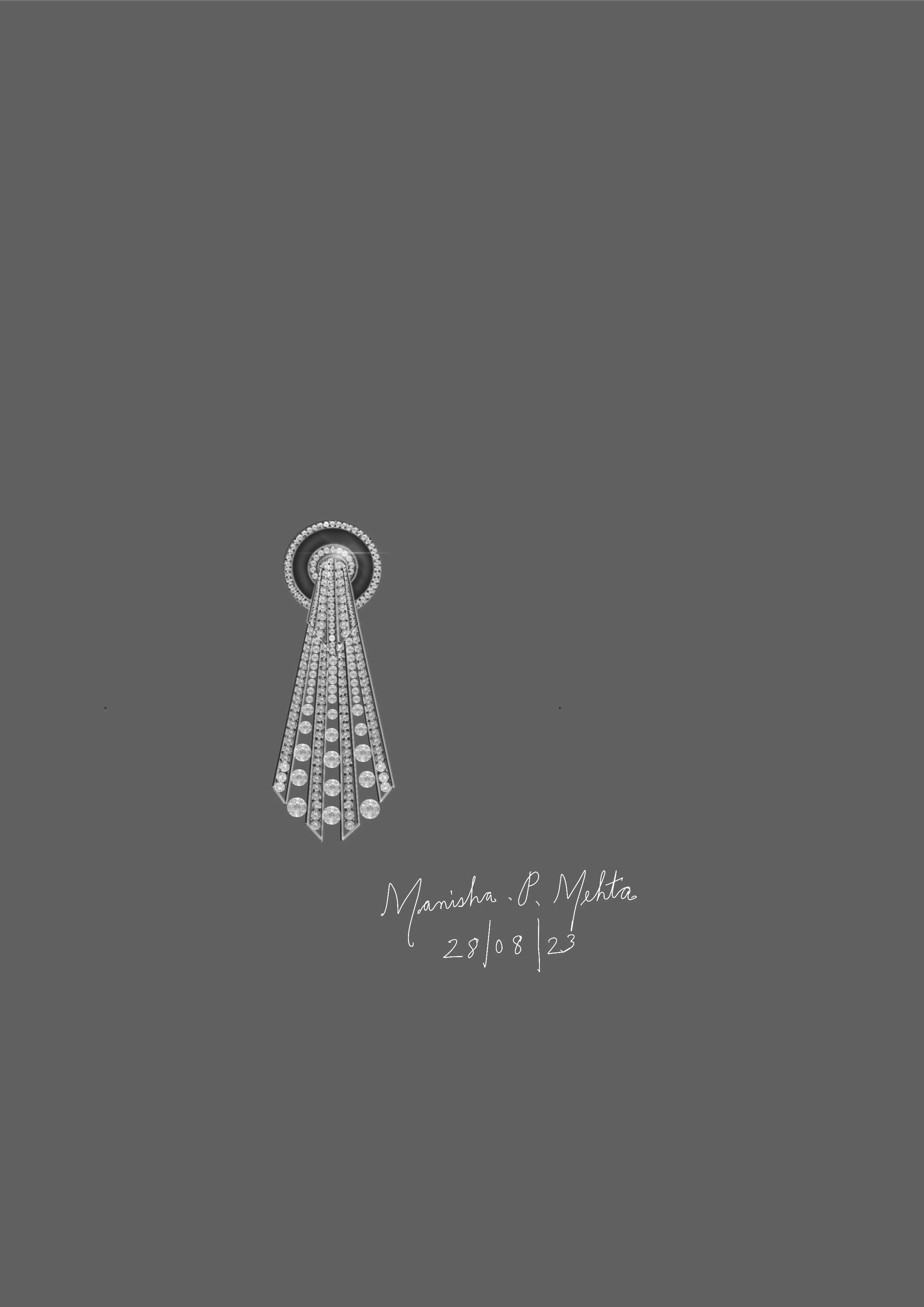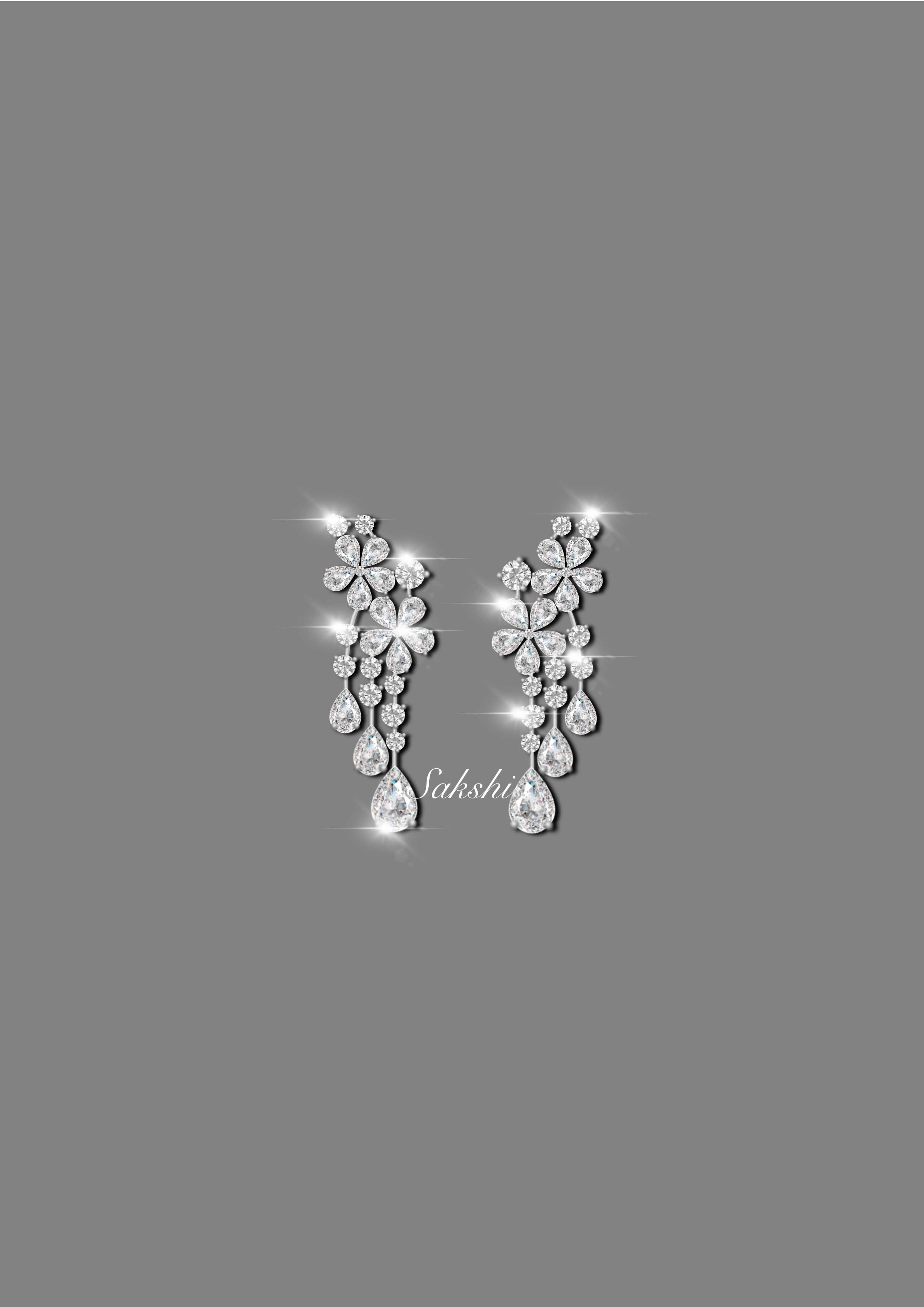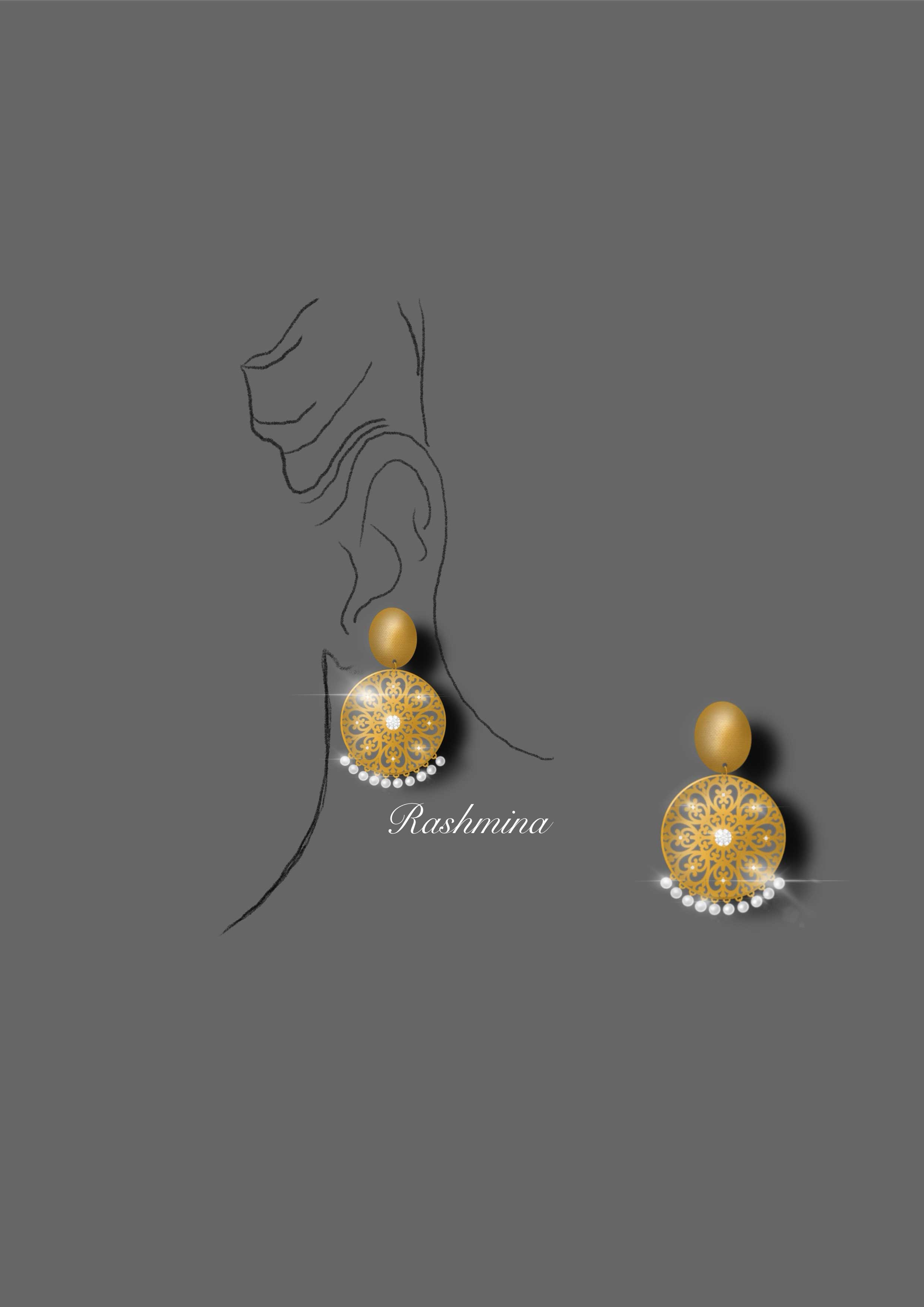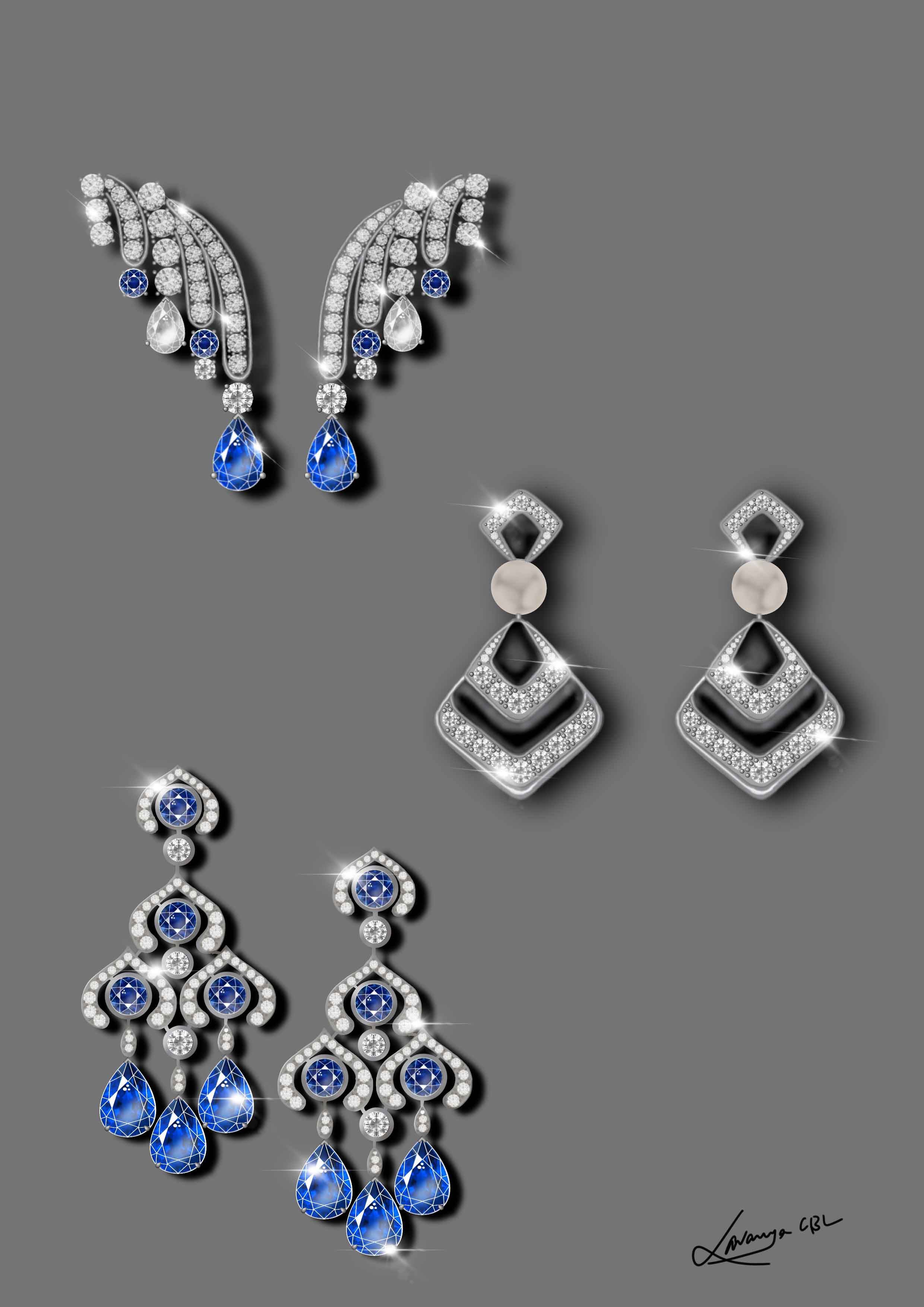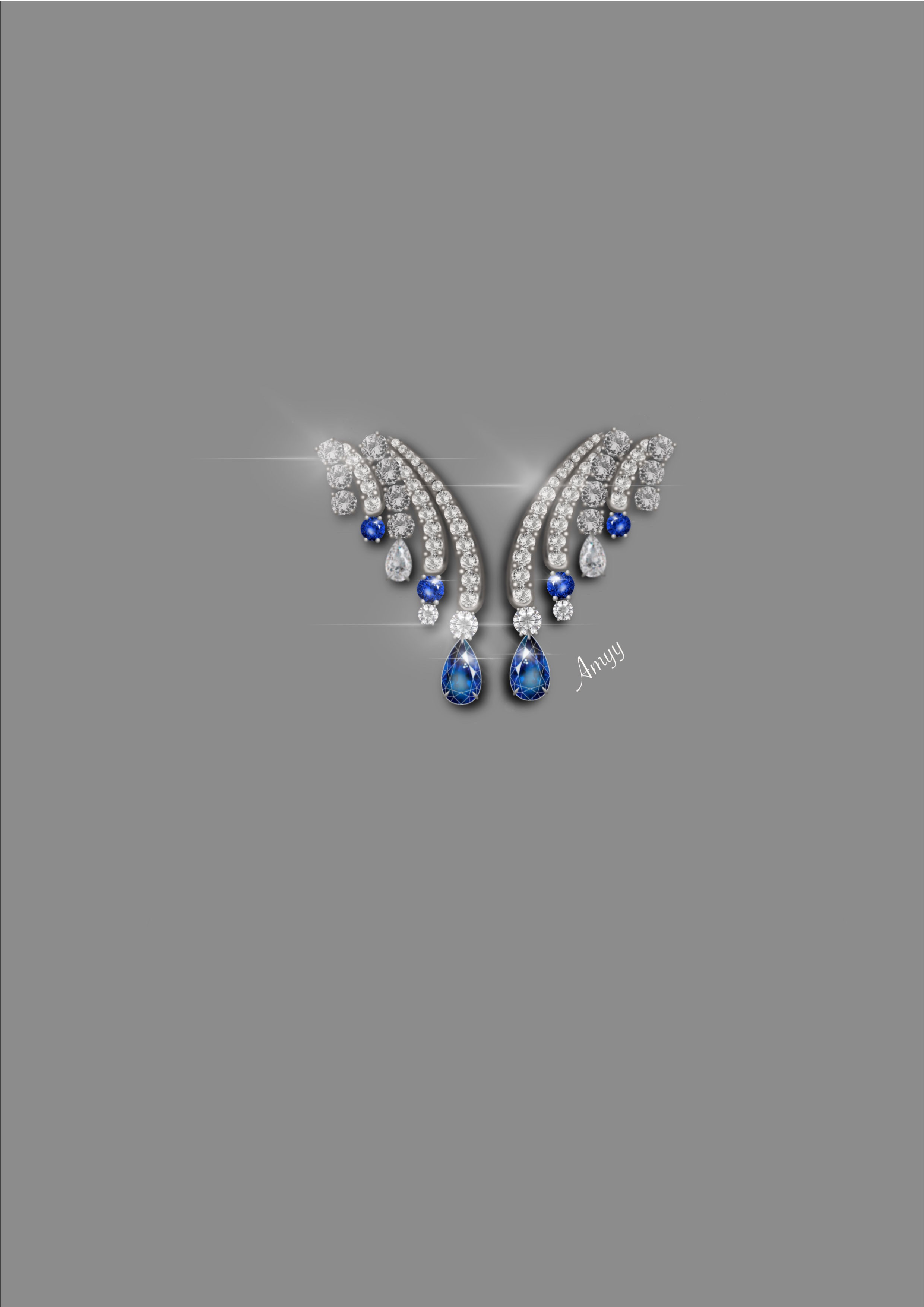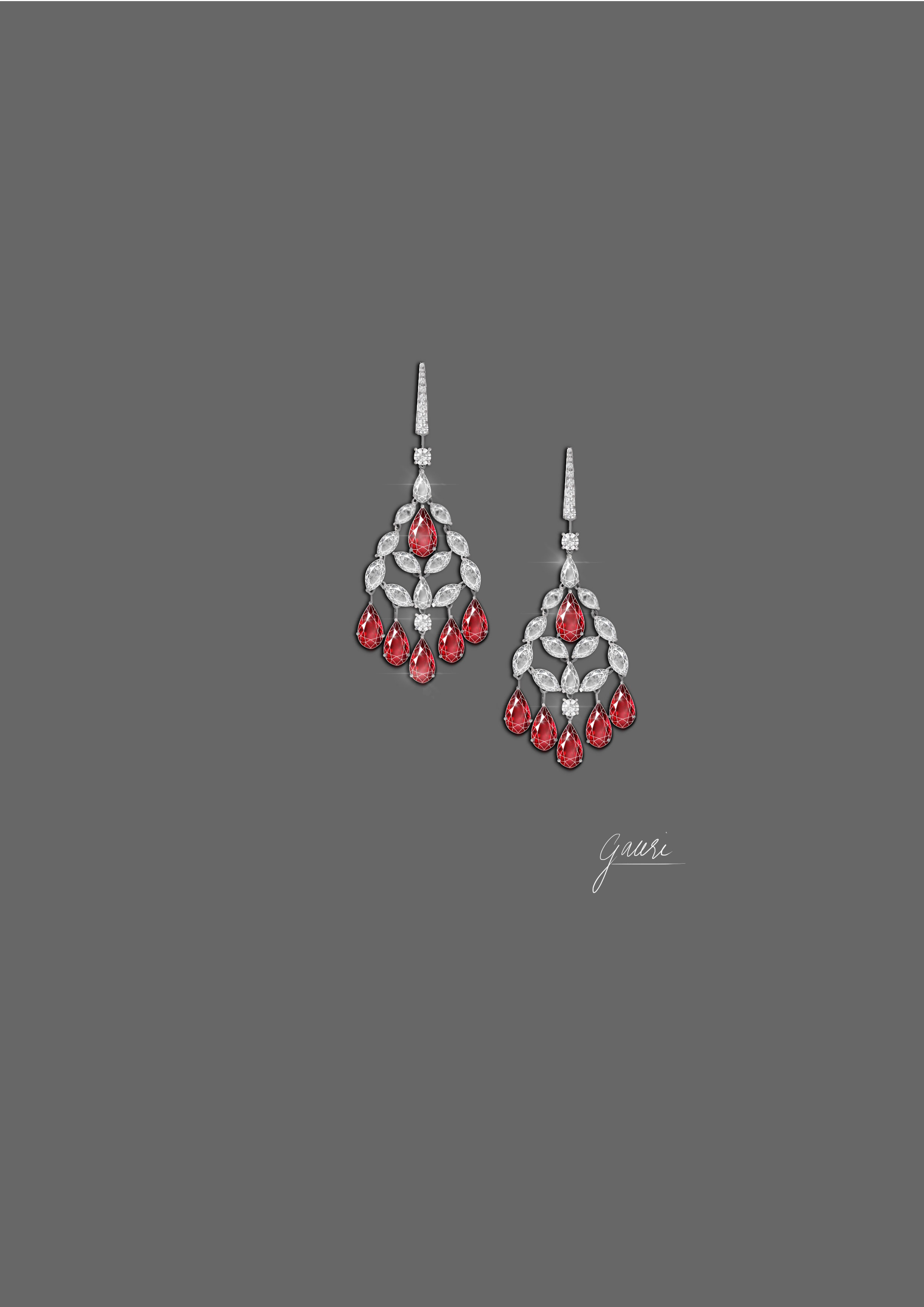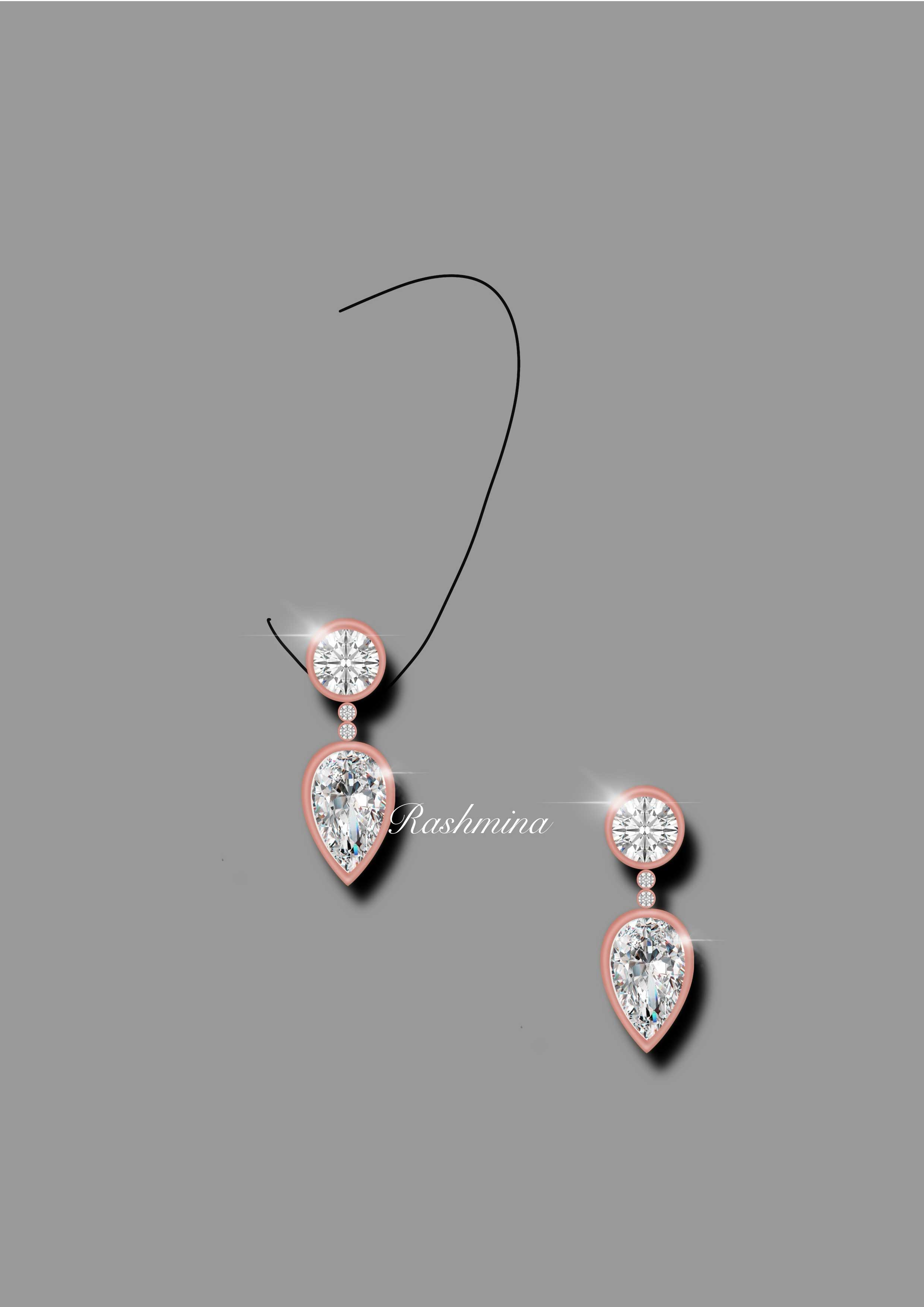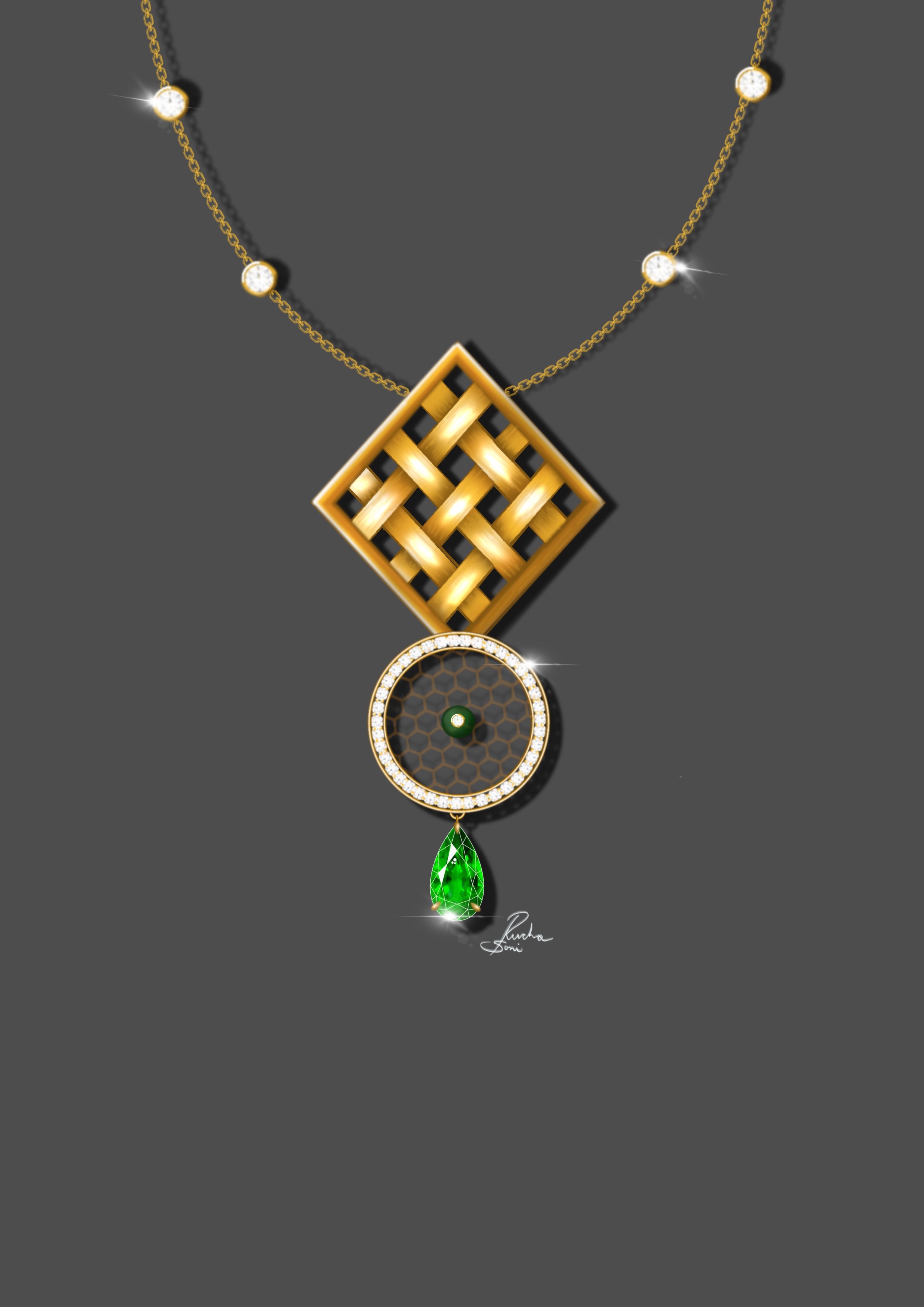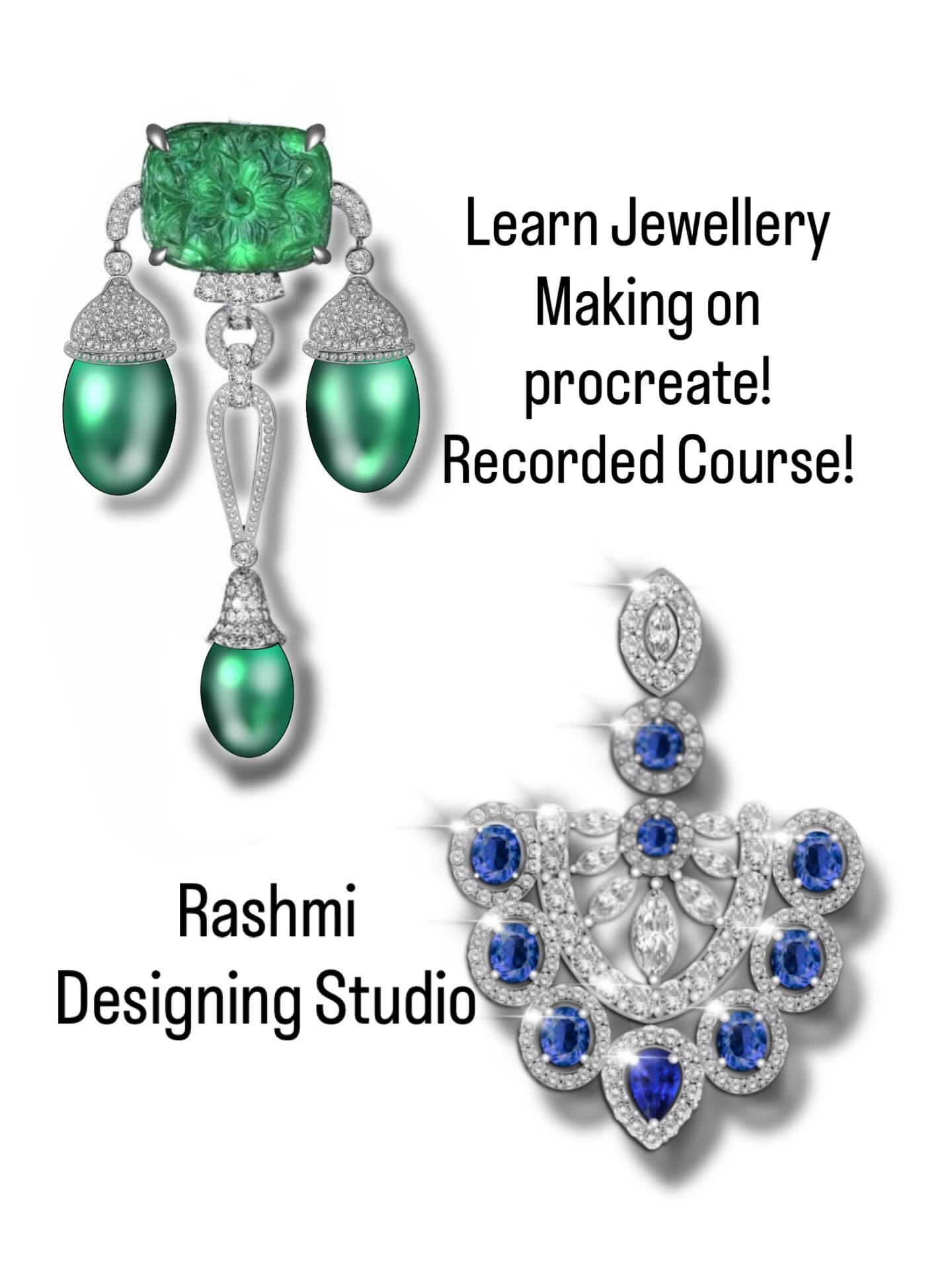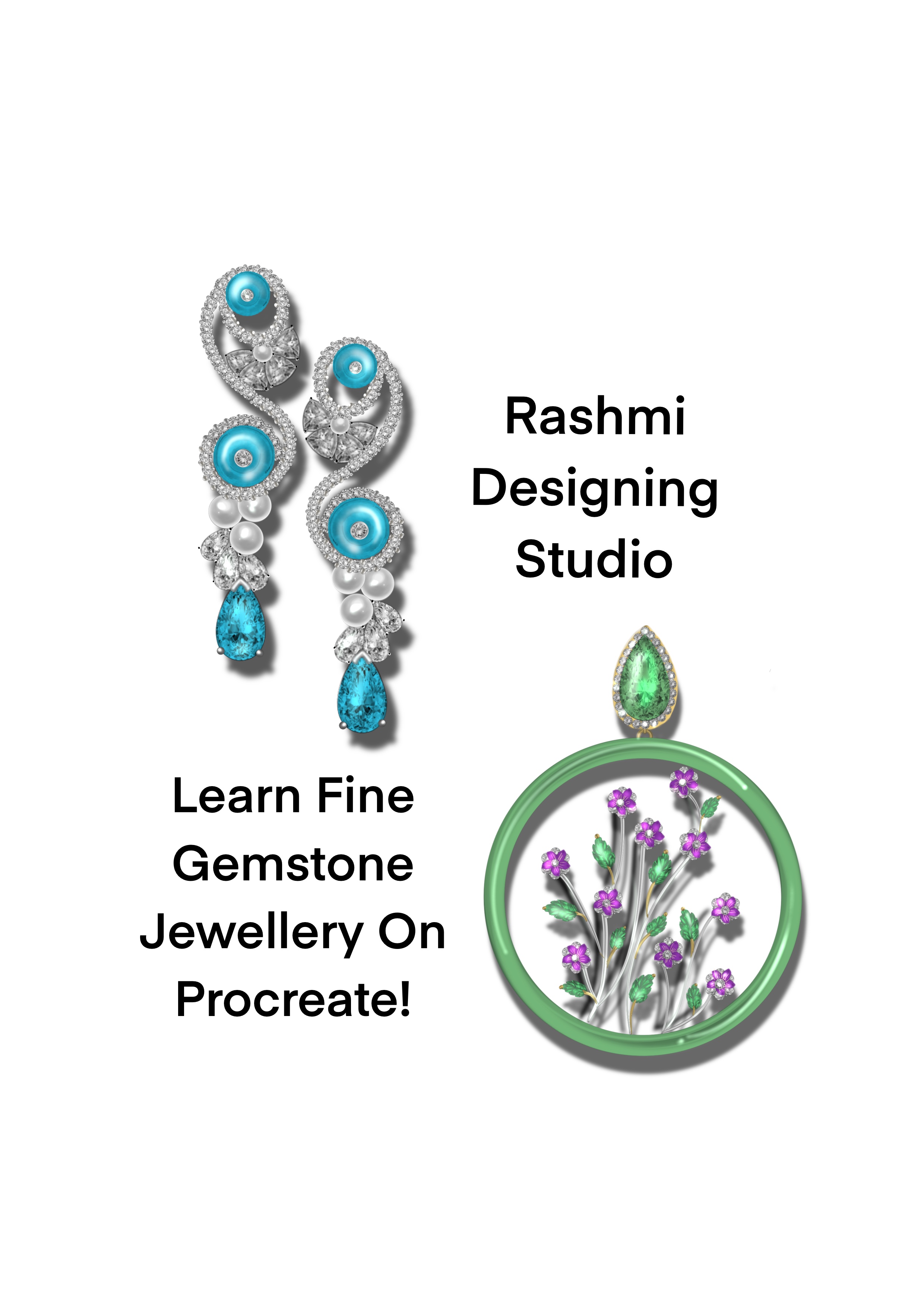
Rashmi Designing Studio

Digital Jewellery Design Course on Procreate(Recorded)

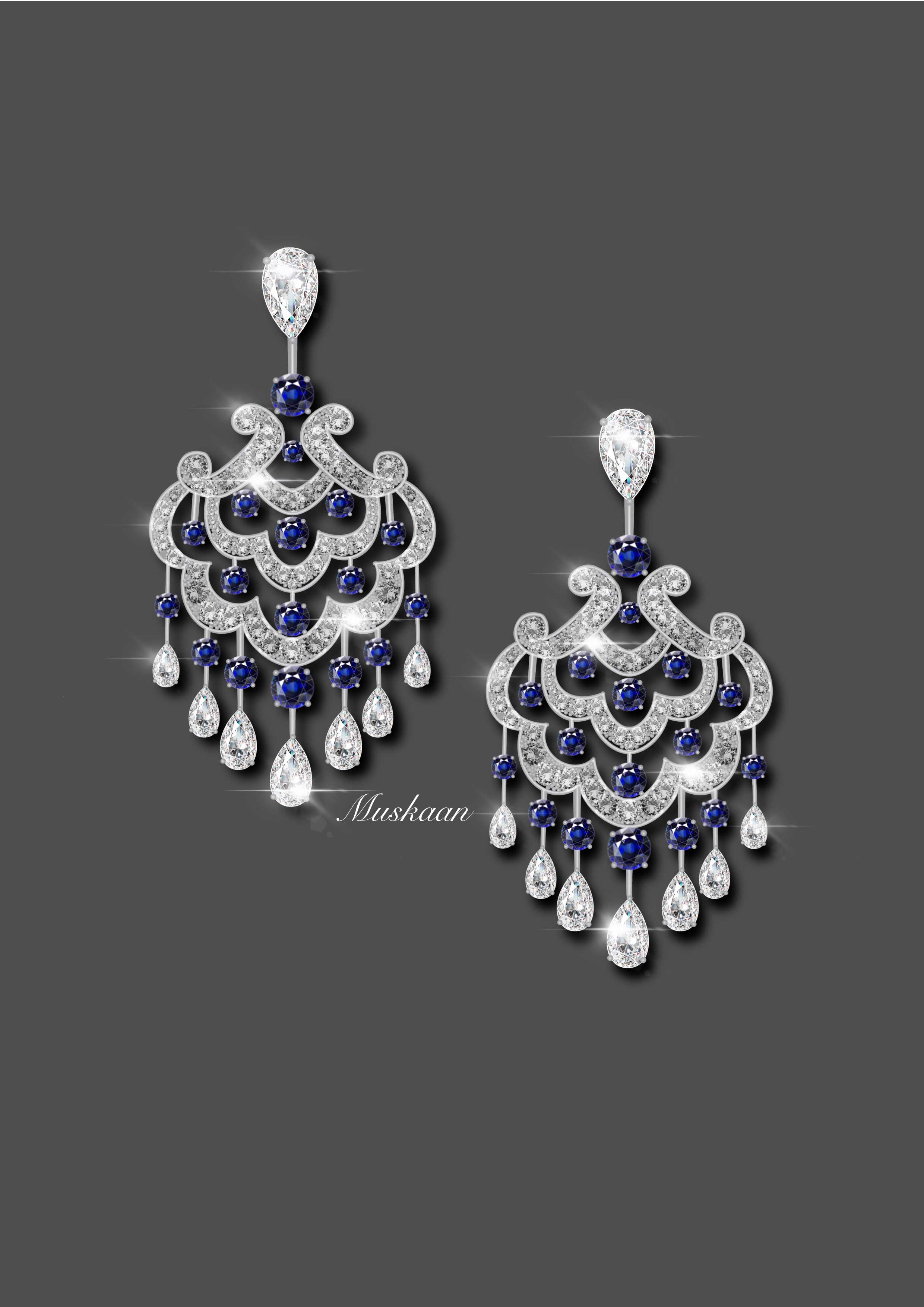
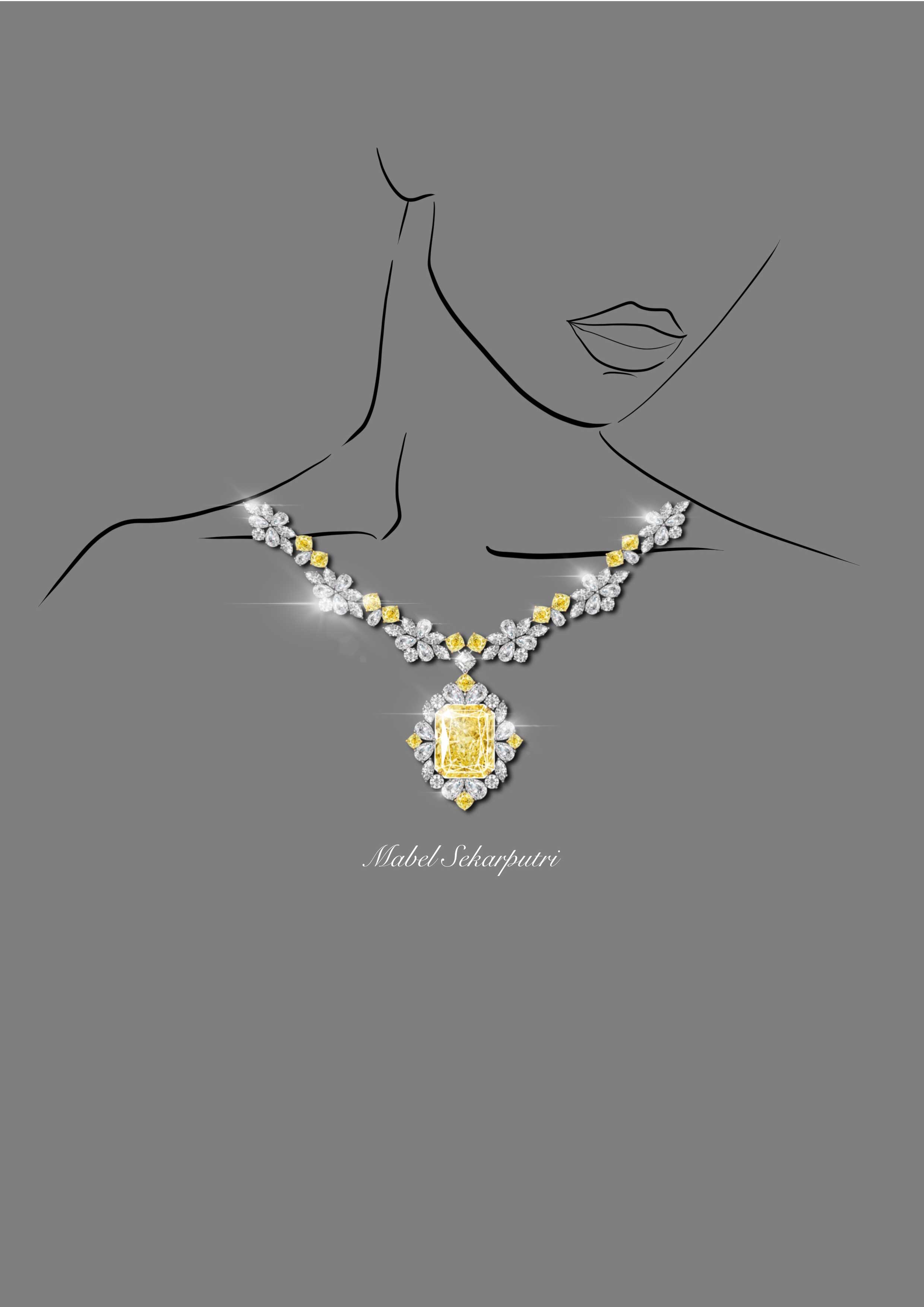
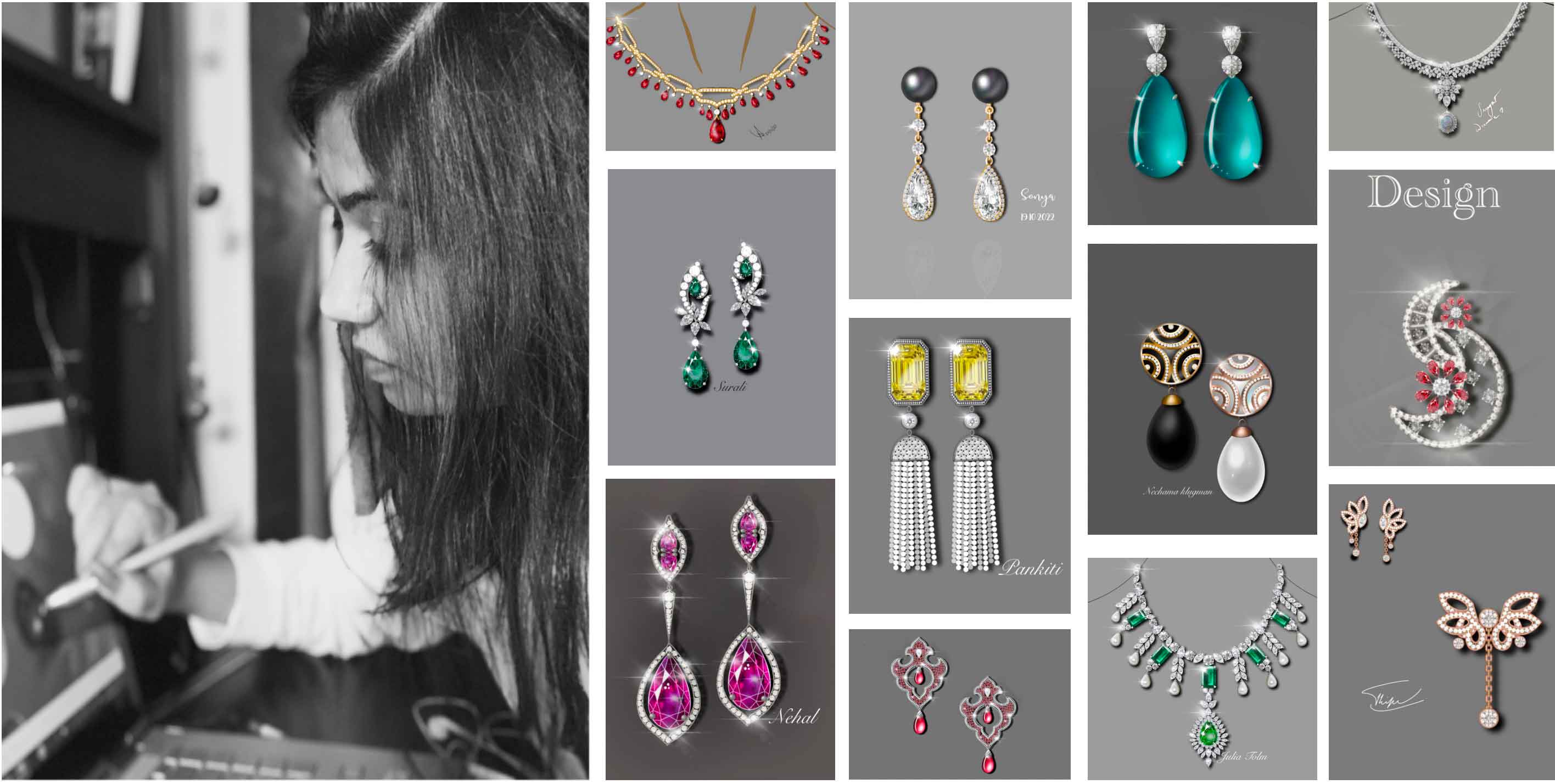
This Recorded procreate jewellery course  allow students to work at their own time and pace without any obstacle. It makes it flexible enough for students to take courses from different geographical locations,irresspective of time zone difference without any compulsory need for a physical meeting on any medium so it  will help jewellery designers artists and enthusiasts all the benefits of working digitally, making it easier to create and share digital art from anywhere without any hindrance. It gives you the commands and gestures which will help in the quick modification of designs making your work super-efficient. This course will take you through the steps in Procreate application to transform your sketches into reality with the power of Procreate tools and gestures. Procreate is that application, which can be super intuitive once you know what you can do with it.You will get bonus advance setting brushes so enroll today limited period offer.

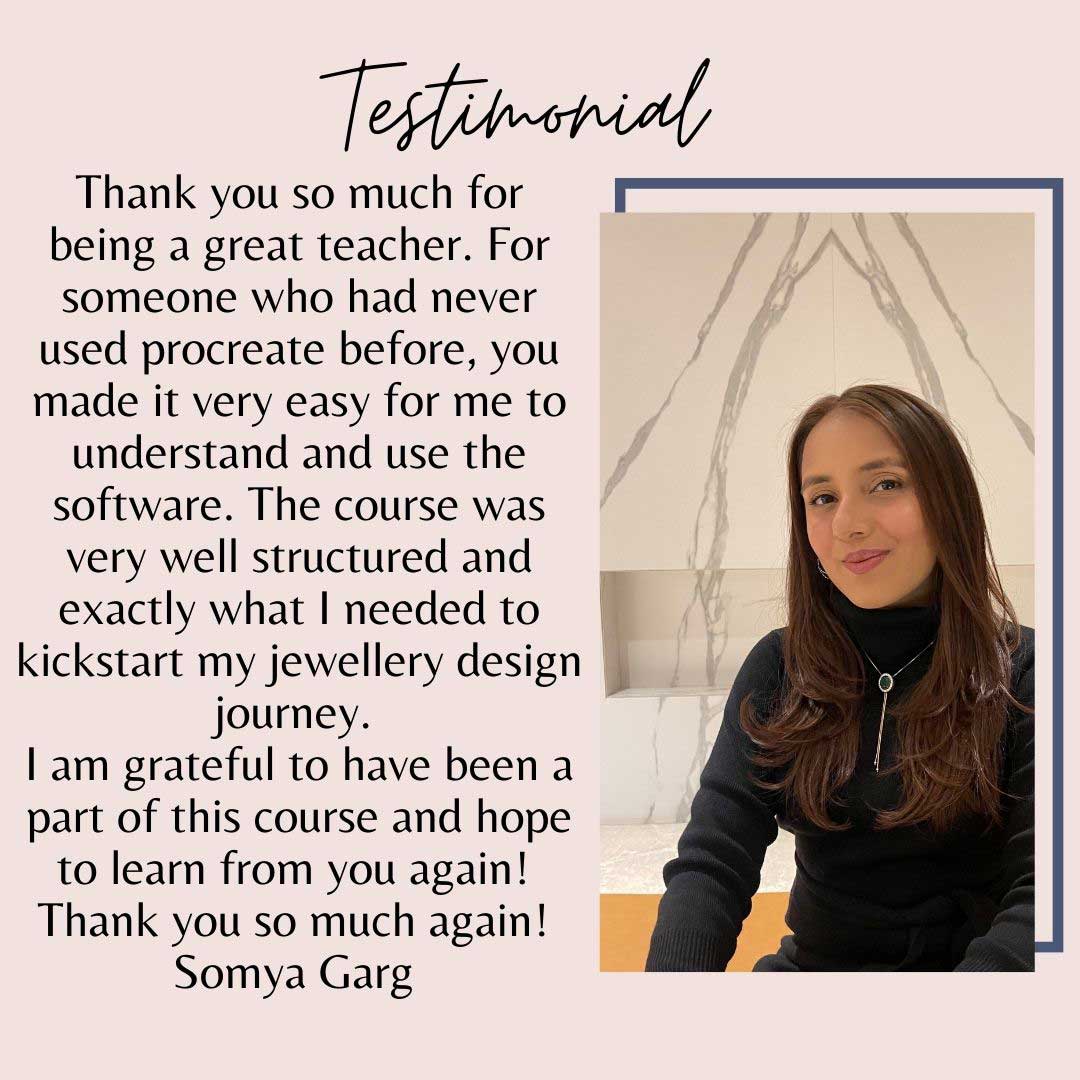
The top seller course of our studio with 100% feedback

₹24,500 / US $270

Digital Jewellery Design on Procreate is a foundation advance course for learning jewellery in an efficient way.

This Recorded classes allow students to work at their own time and pace without any obstacle. It makes it flexible enough for students to take courses from different geographical locations,irresspective of time zone difference without any compulsory need for a physical meeting on any medium so it  will help jewellery designers artists and enthusiasts all the benefits of working digitally, making it easier to create and share digital art from anywhere without any hindrance. It gives you the commands and gestures which will help in the quick modification of designs making your work super-efficient. This course will take you through the steps in Procreate application to transform your sketches into reality with the power of Procreate tools and gestures. Procreate is that application, which can be super intuitive once you know what you can do with it.
Key Facts

  • Available at any time according to your convenience
  • Step-by-step instructions for each task
  • Access to video lessons for 3 months
  • 3 months course with 28 + pre-recorded classes with few bonus advance videos 
  • Access to material for 3 months download the brushes for long  in your iPad
  • Step-by-step instructions for each task
  • Customized materials for learning
  • In first 3 classes, students will be able to see my hands whereas in remaining classes, students will be able to see only screen for better understanding of the subject. All actions are shown and every step has been explained through Voiceover and subtitled instructions.
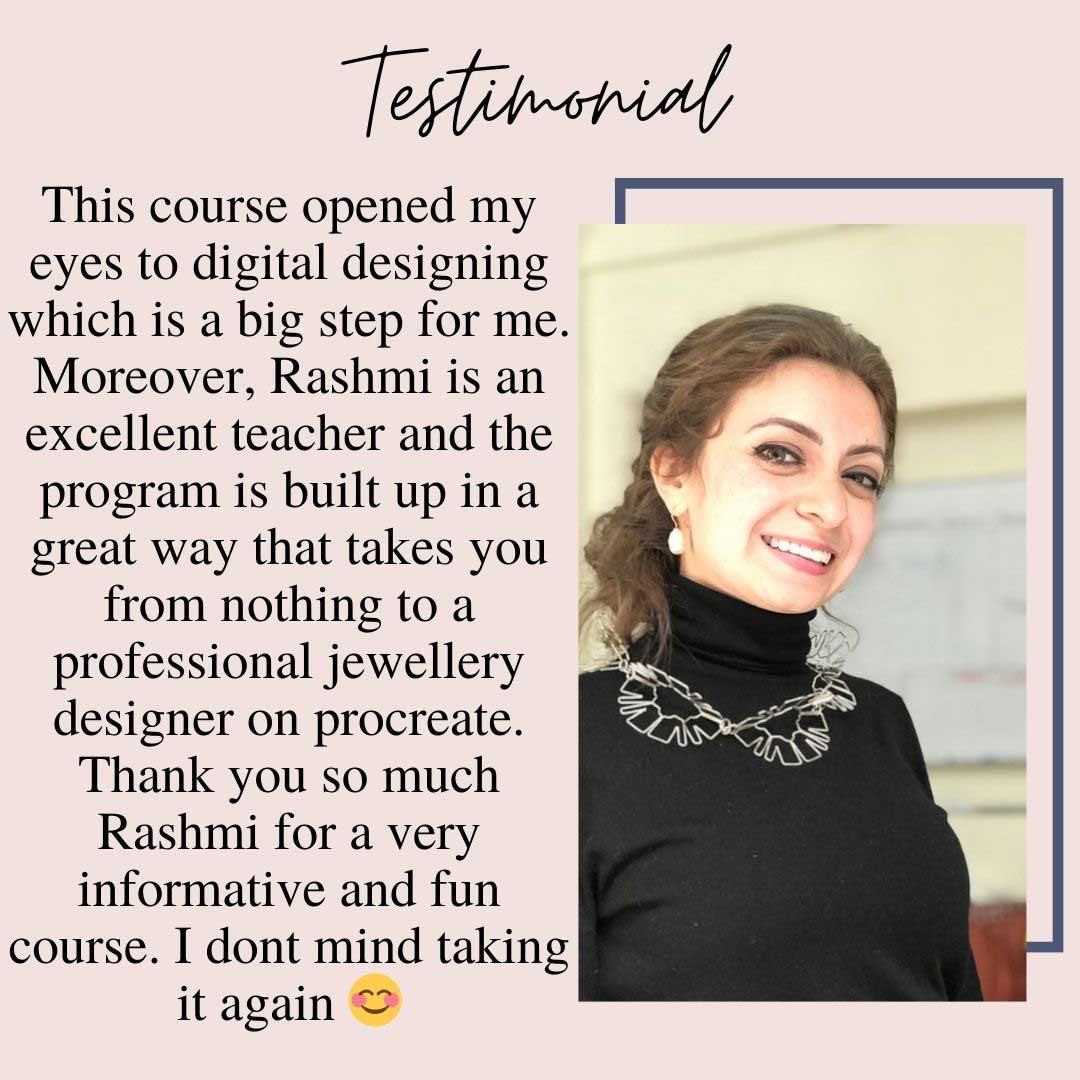
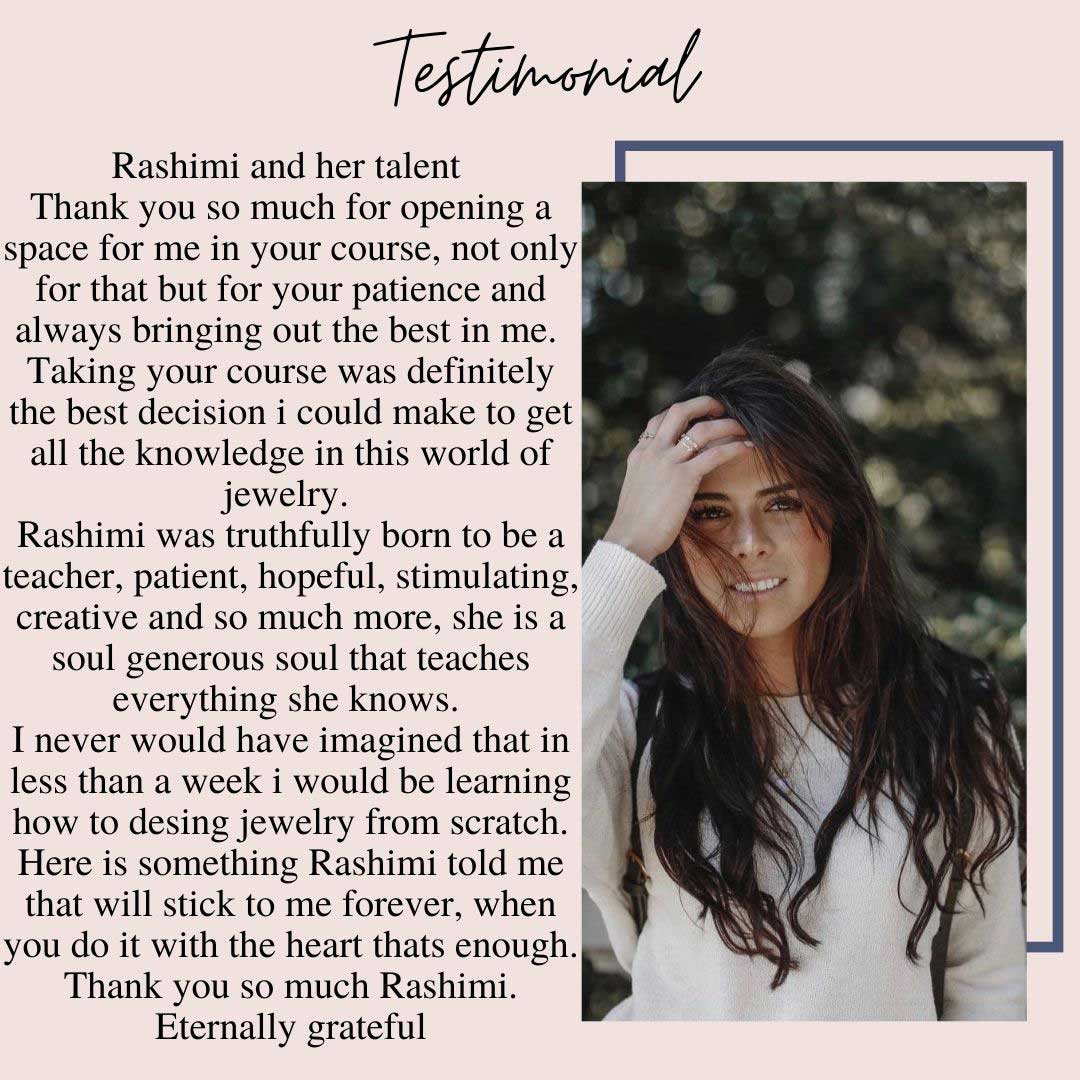
What you will get as a course material

  • 3- months course with  28 + Pre-recorded classes ( With subtitles in English) with bonus adv videos
  • Gemstones images
  • Stone cut images
  • Metal color palette
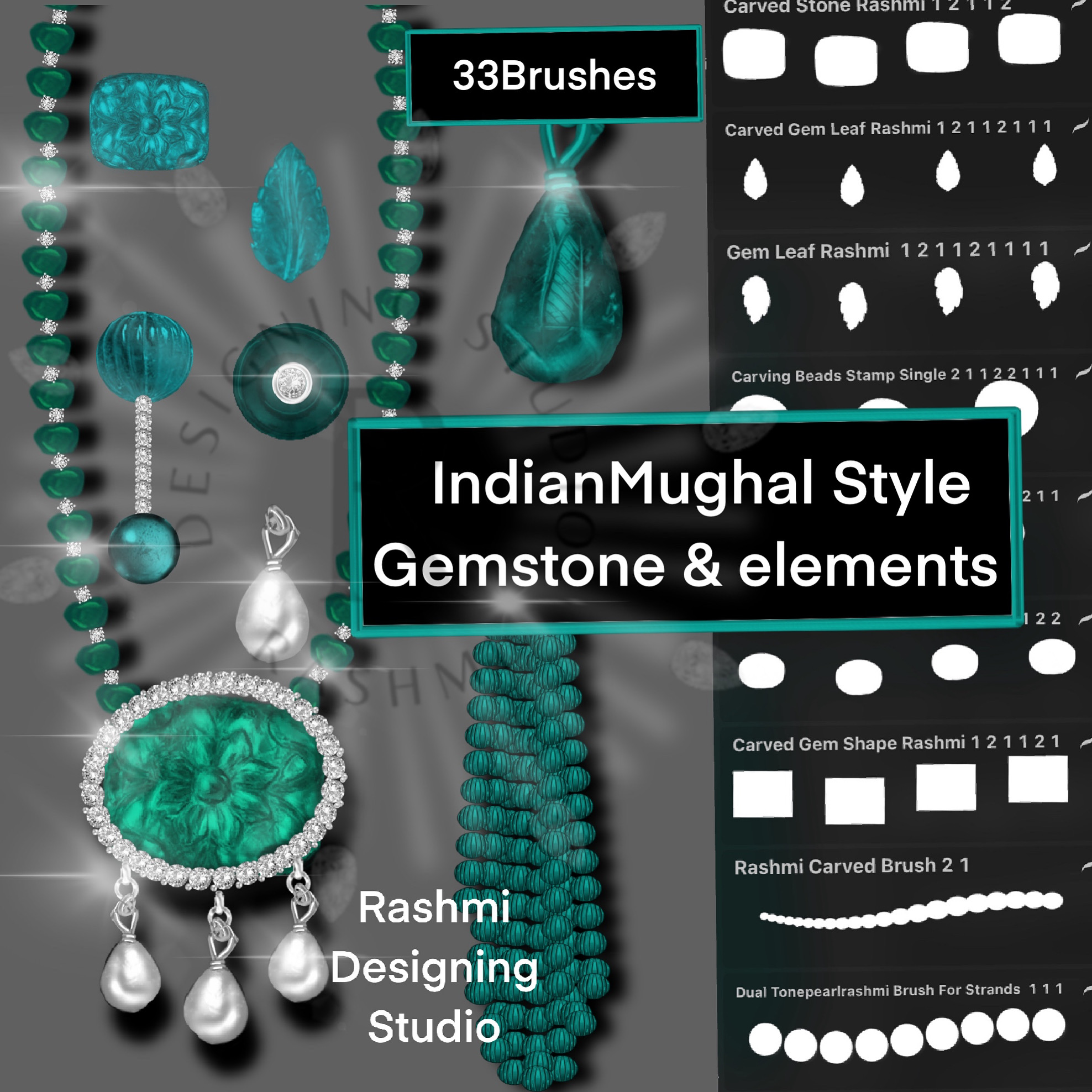
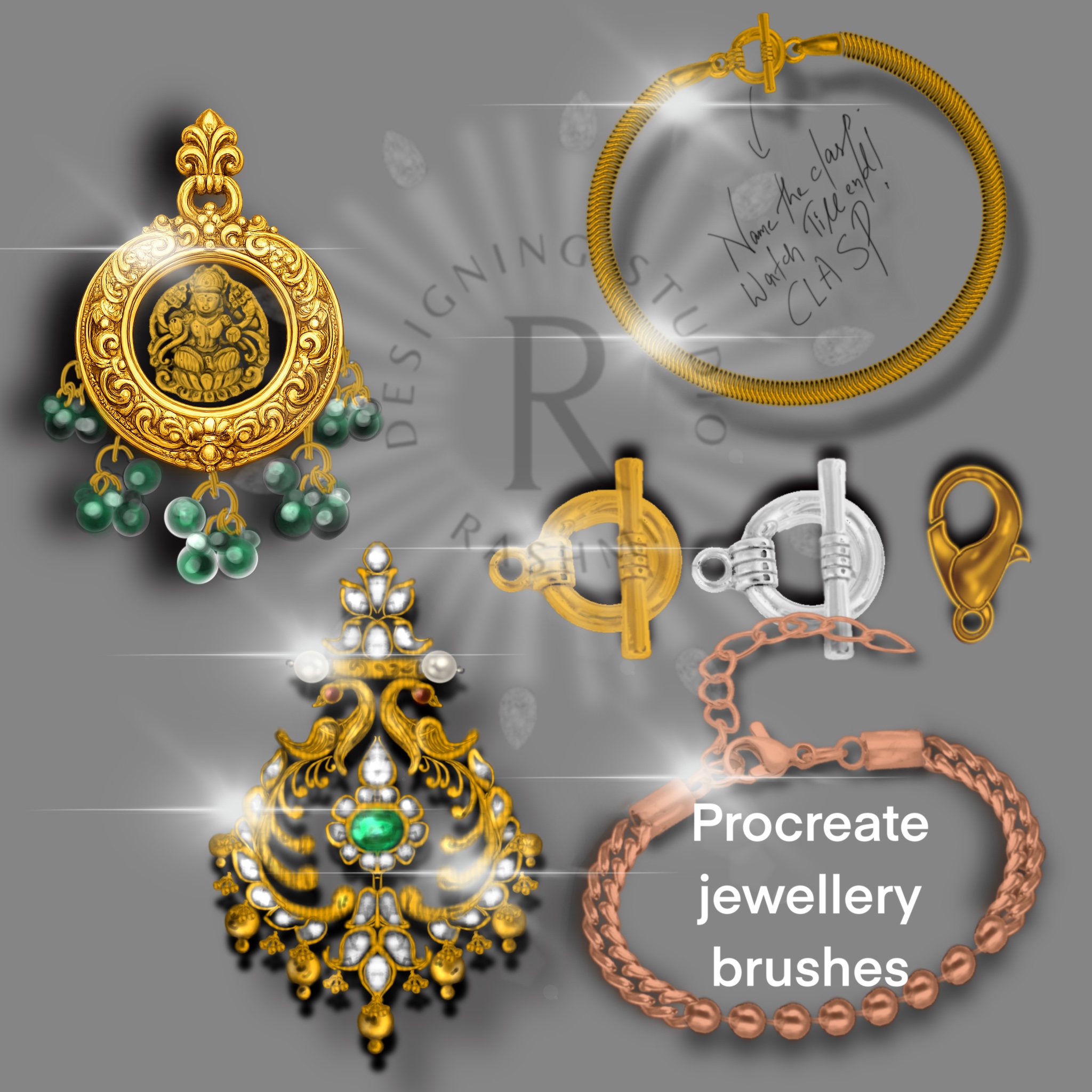
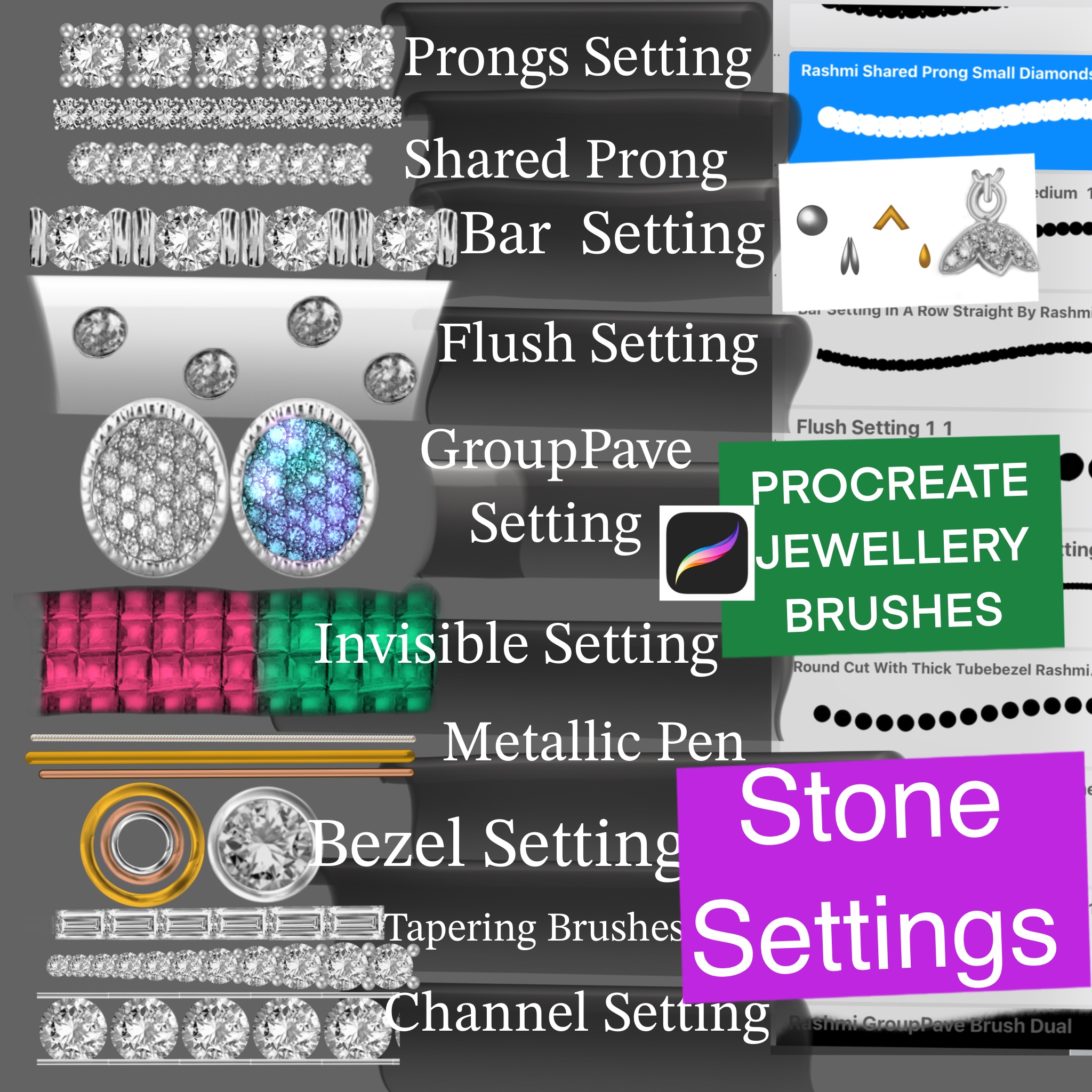
  • 555 + Customized Brushes -different types of diamond cuts , colored gems  brush, brush, types of chain brush, multiusetexture & filigree brush Jewellery essentials brush - bezel, prongs, pearls,tassels, outlined pens, dual stone setting brushes, etc,Mughal jewel brushes videos how to use dual brushes ,Shape and facet brushes,Pearl studio brushes,Metal polish brushes,Dual Texture brushes ,Dual Rashmi chain and clasp brush for jewellery making ,Jewellery Decorative and embellishment brushes for different styles of jewellery 
  • Customised brushes for course for effective learning
  • Cheat sheets with bonus videos 
  • E-book in English which facilitates the basic command for using procreate in future with ease for jewellery designing

What are the benefits

Digital Jewellery Design on procreate  gives artists all the benefits of working digitally, making it easier to create and share digital art from anywhere without any hindrance. It gives you the commands and gestures which will help in quick modification of designs making your work super-efficient.

Jewellery Design course will take you through the steps in Procreate application to transform your sketches into reality with the power of procreate tools and gestures. For those of you that work digitally, you'll understand. Procreate is that it's super intuitive once you know what you can do with it.By the time course is over, creating digital jewellery illustrations will be as easy and more natural then drawing on paper with colored pencils

Curriculum

Day 1

Introduction

An introduction to the Procreate software used for Jewellery designing.

We will learn how to use procreate app breaking down the most important tools, in the easiest way. We begin with interface describing tools and techniques for an efficient workflow without the confusion As a homework assignment you will practice drawing shapes lines as a warm up exercise the commands

Day 2

User Interface Mastering the tools & commands of the Procreate software & Introduction to light and shadow.

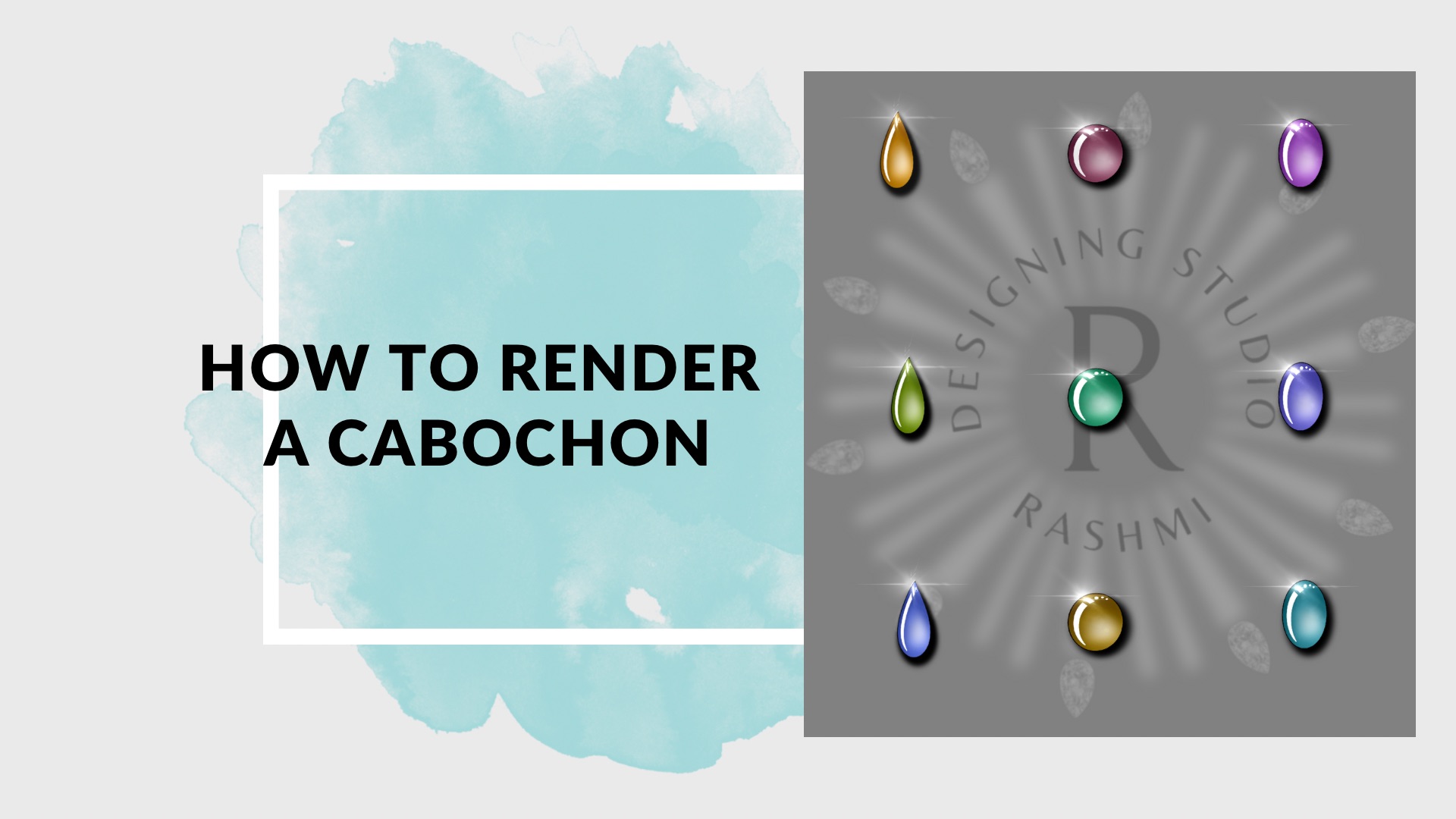
Drawing cabochons

In this lesson we discover how to draw opaque and transparent cabochons in different shapes and colors As a homework assignment you will practice drawing cabochons in different colors and shapes

Day 3

Construction and rendering of gemstones and diamonds.

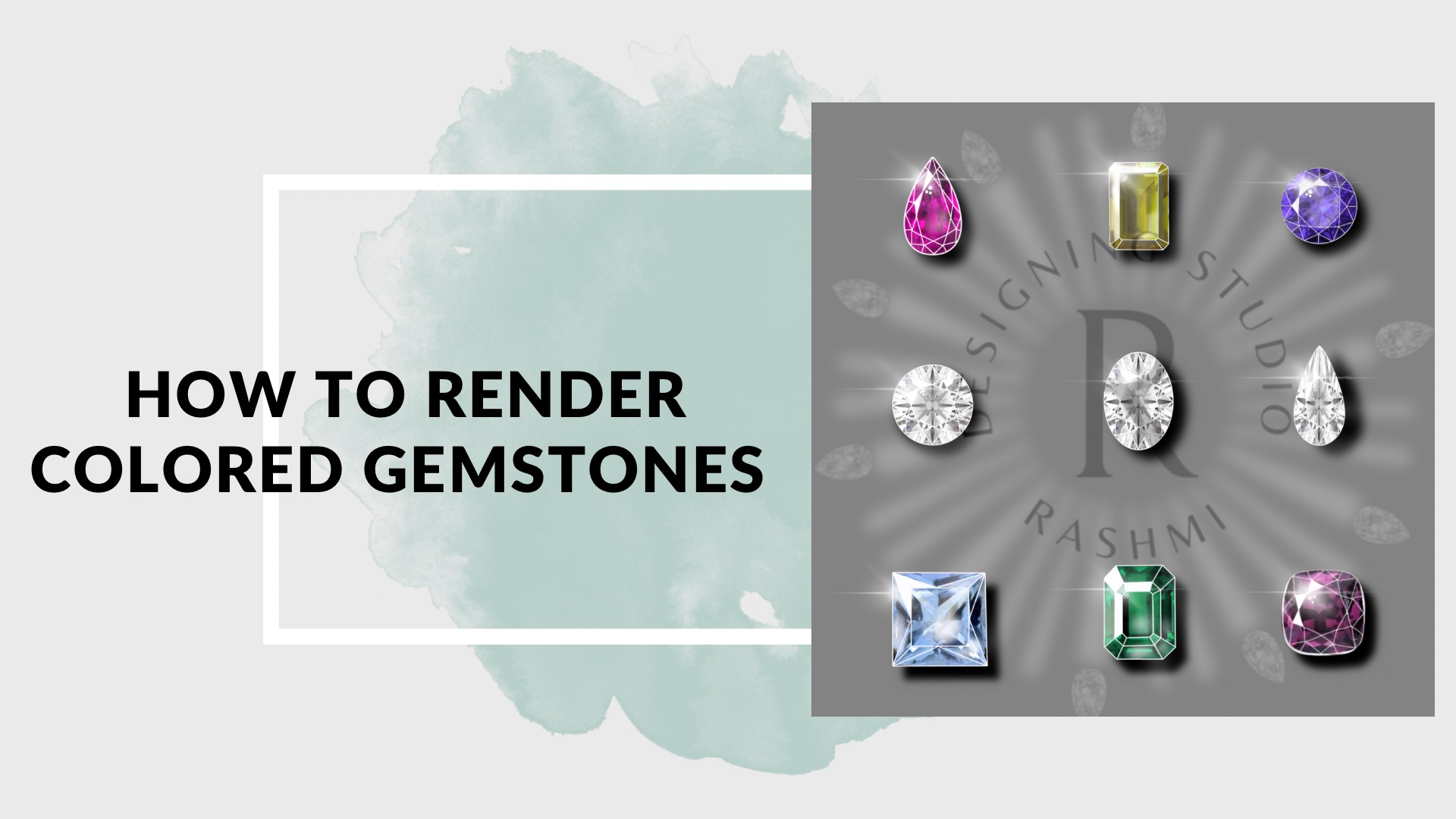
Facetted cuts

In this lesson we discover how to draw facetted round diamond and oval cuts by using the app in a smarter way and learn how to use other gemstones such as: pear shape, baguette, Oval, marquise, etc in making jewellery. As a homework assignment you will practice drawing faceted stones in different shapes and colors

Day 4

Create an array of basic shapes and motifs following principle of light and shadow & stone setting

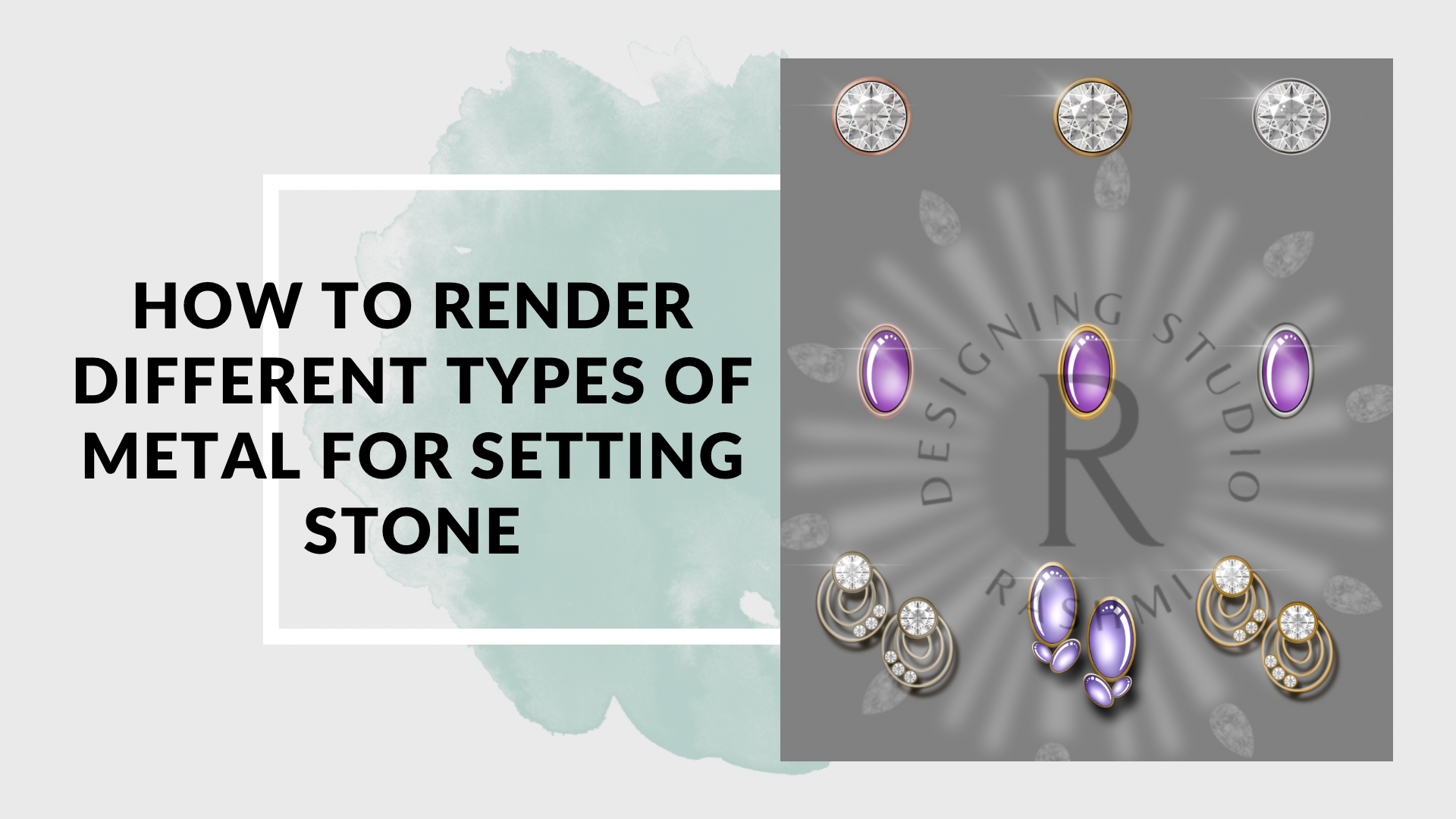
In this lesson we discover how light interacts with shapes such as square, cones and tubular surface..etc.) and how to create a 3D-volume by depicting light and shadow using metal color palette provided . Illustrations of different types of metals using metal palette such as white gold rose gold etc.

Day 5

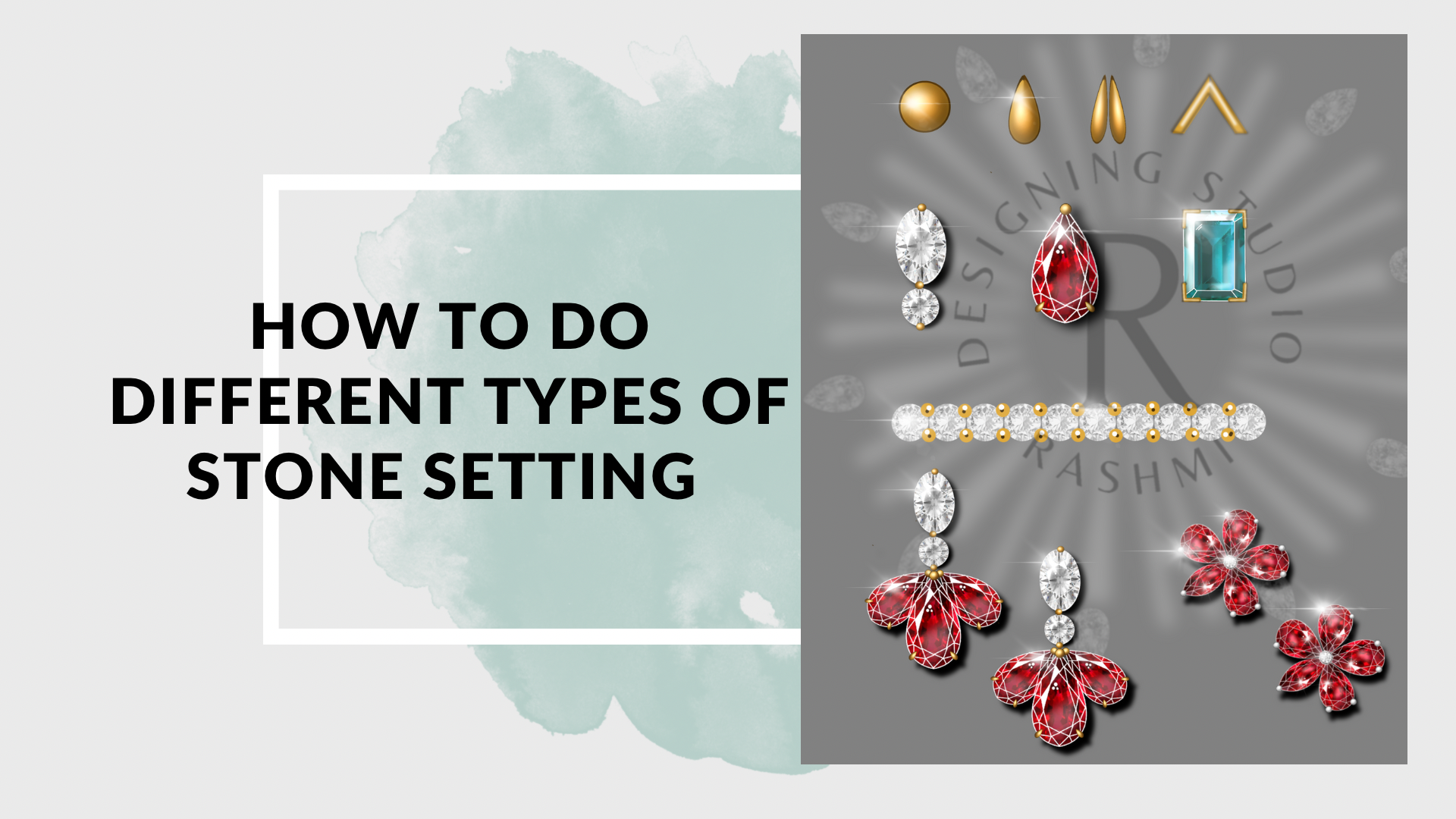
Stone settings

In this lesson we discover how to do Illustration of Jewellery settings such as prong and grain setting by designing a product based on specific settings in the class. As a homework assignment you will practice different style of products for better understanding and clarity.Making products with the help of brushes for doing stone setting settings with ease.

Day 6


Stone settings

In this lesson we discover how to do Illustration of Jewellery settings such as channel and pave setting by designing a product based on specific settings in the class. As a homework assignment you will practice different style of products for better understanding and clarity.

Day 7

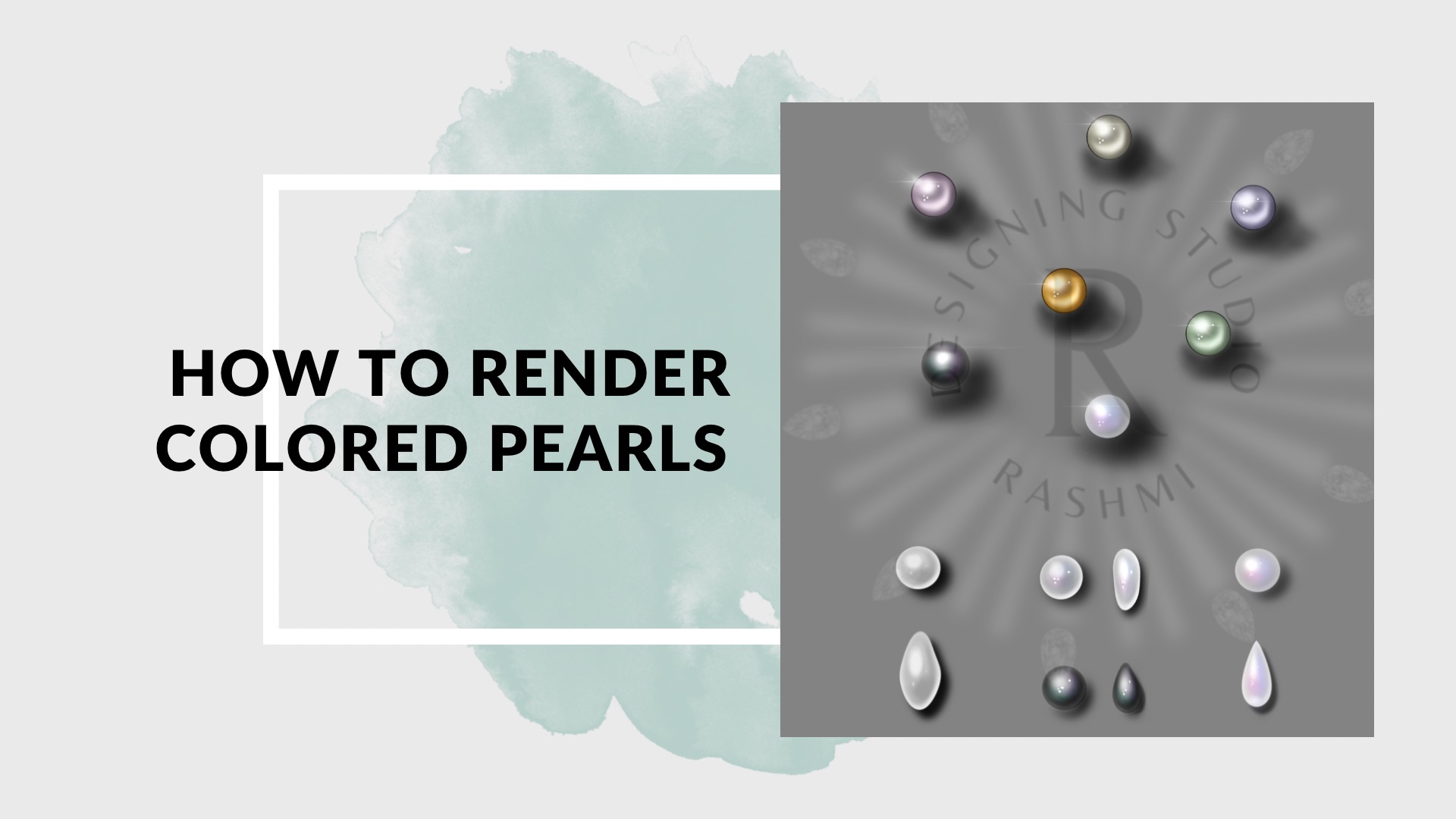
Pearls

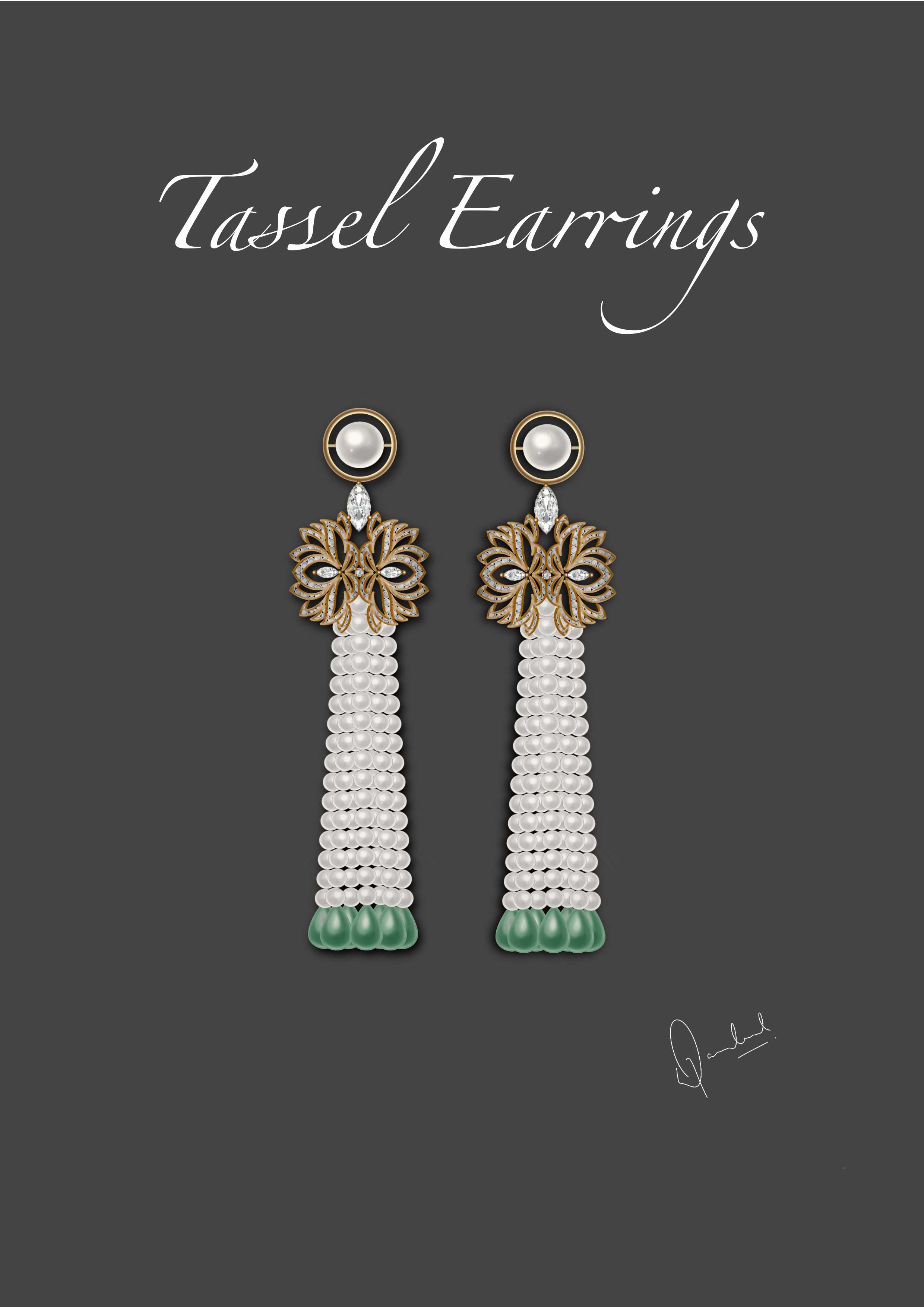
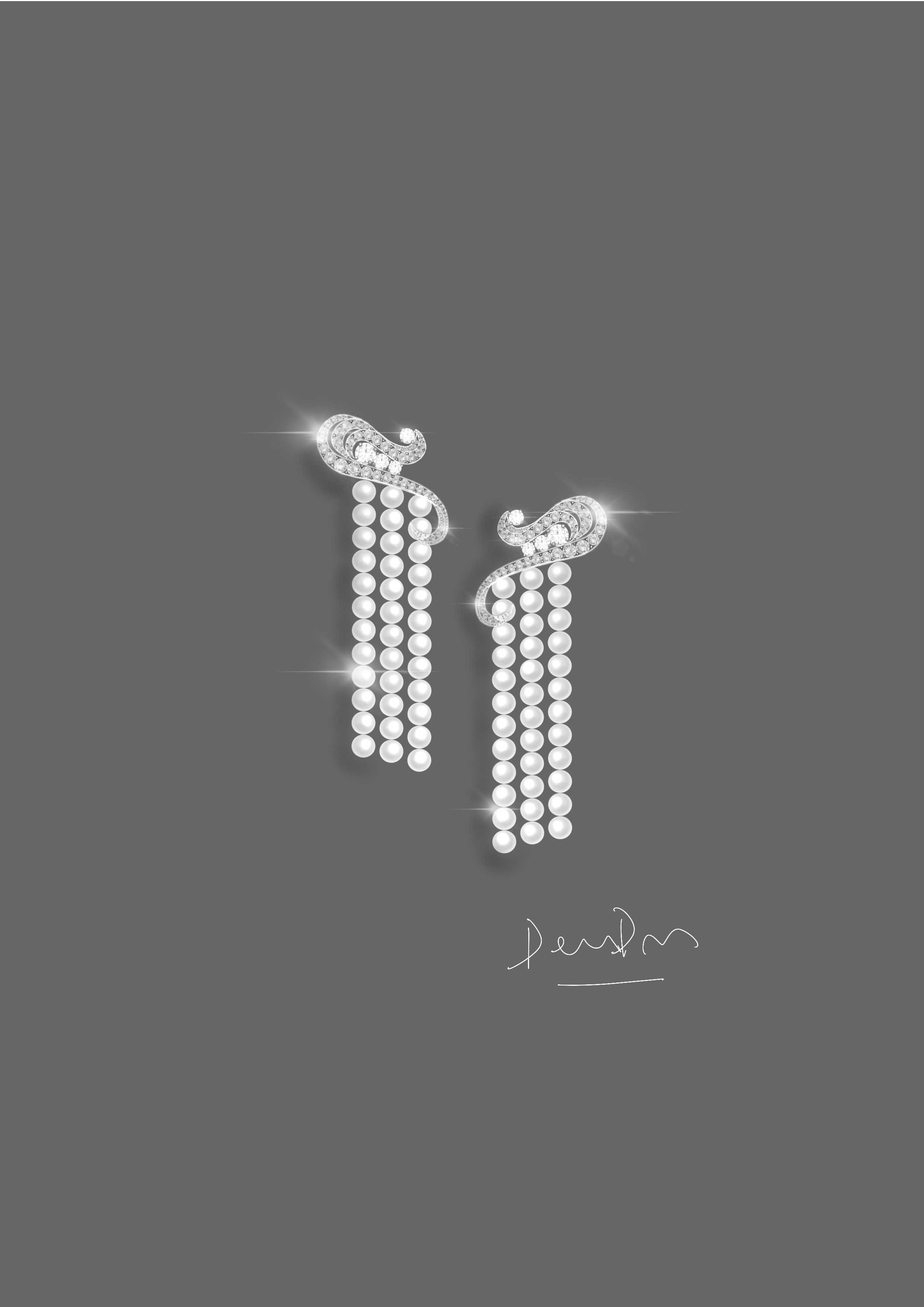
In this lesson we discover how to do rendering of different pearls is different shapes nd Colors .We will learn how to use specific brushes provided in order to do a pearl necklace. As a result of the lesson you will draw a jewellery piece with pearl and tassels and stone setting in the class to understand the light and shadow. As a homework assignment you will practice different products based on shades of pearl by using different brushes or hand rendered pearls for better understanding and clarity.

Day 8

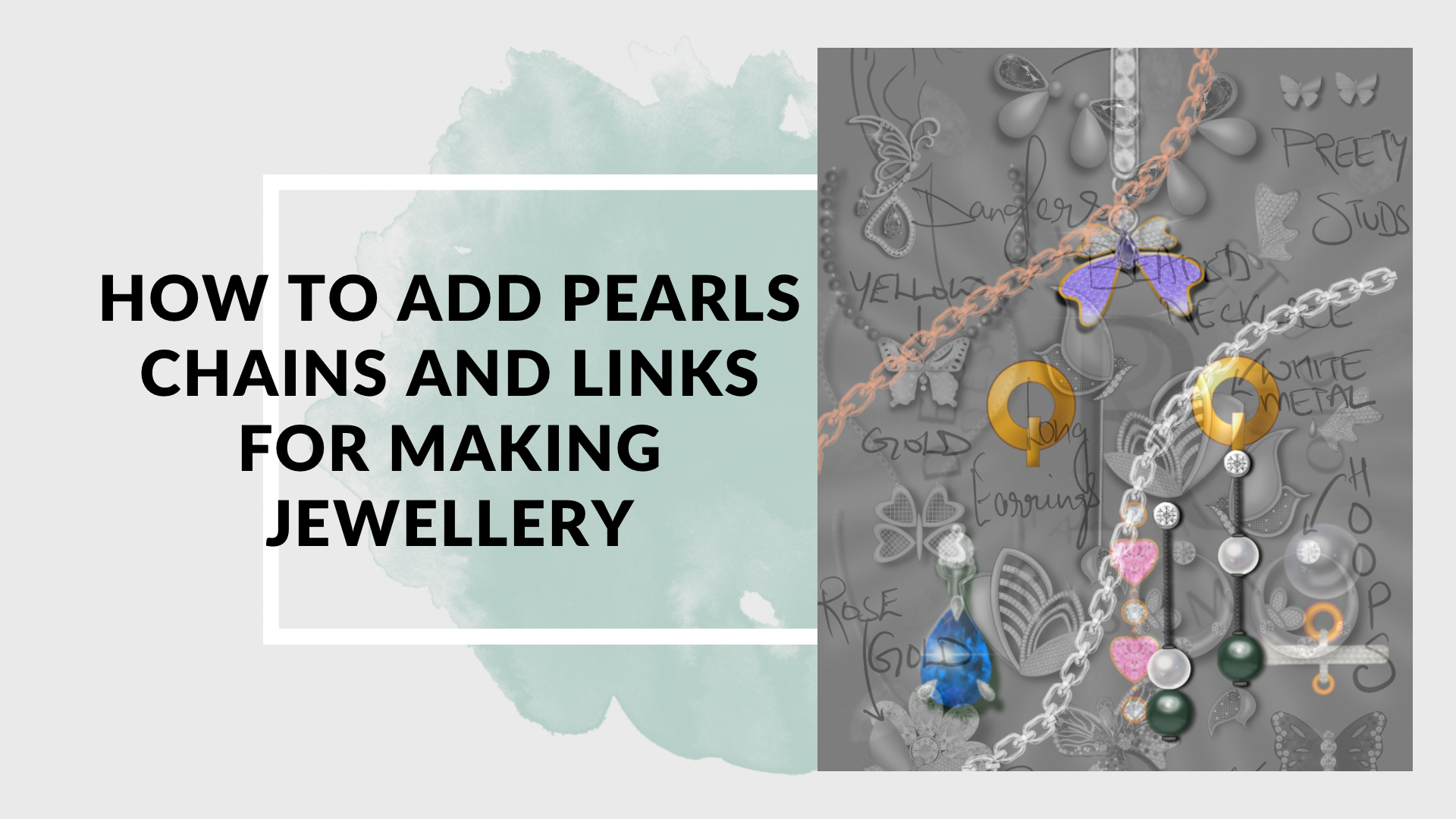
Linking and findings (Jump rings, chains) & conceptual designing

In this lesson we discover how to do chains link and connectors. We will assign a concept to make designs based on the motifs to form a collection based designs.. Illustration of linking and findings (Jump rings, chains) to add flexibility and strength doing different types of chains for making products beautiful and wearable.

Day 9

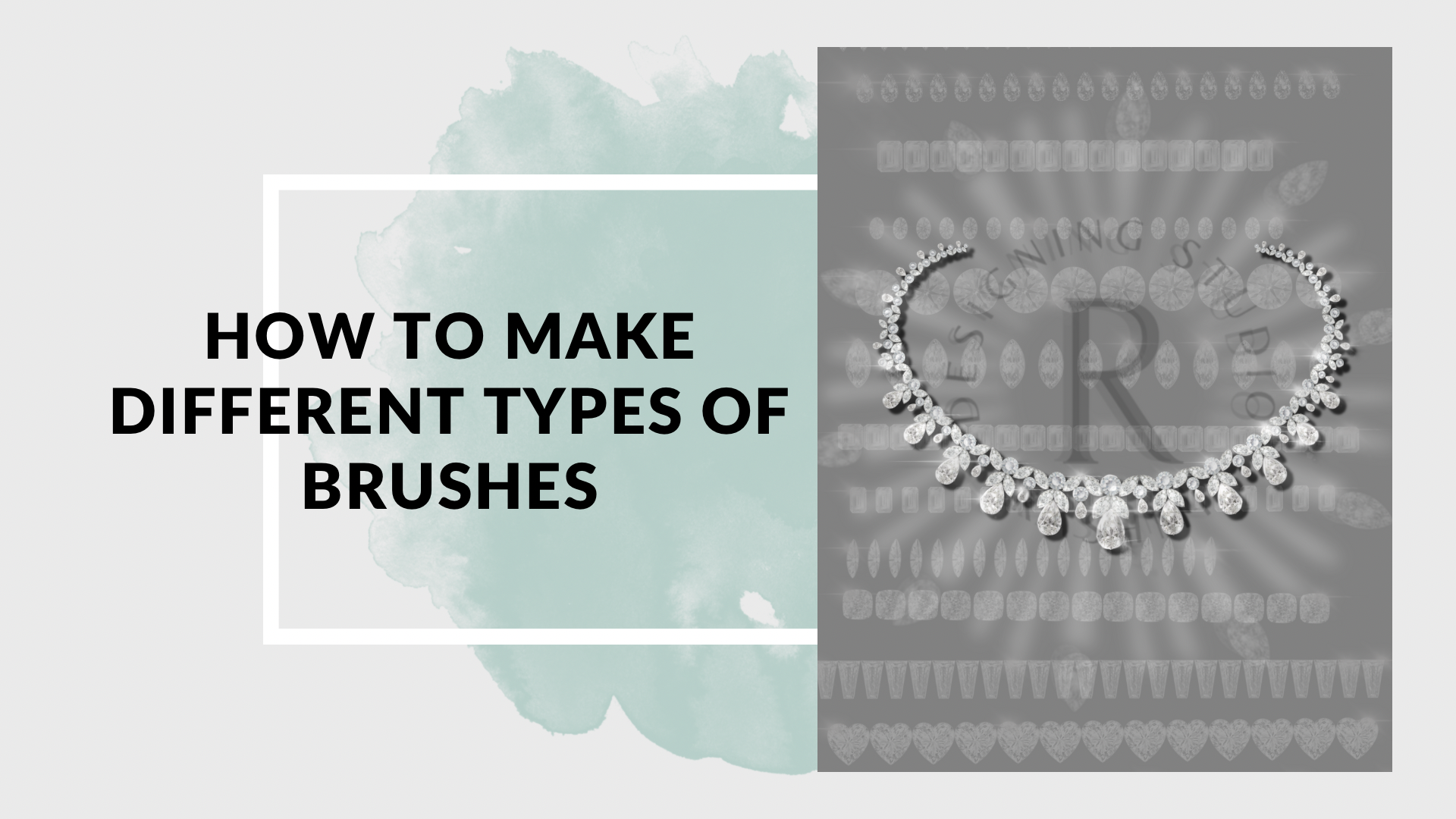
Different types of Brush Making & Necklace making

Designing your own brushes for effective designing and rendering of necklace and different products . How to make different types of brushes for showing filigree work ,granulation stones metal textures such as sandblasted hammered etc doing different types of brushes for finejewellery and gold jewellery .As a result of the lesson you will draw a jewellery piece by using your hand made brushes by combining all the techniques learnt throughout the entire session by using brushes.

Day 10

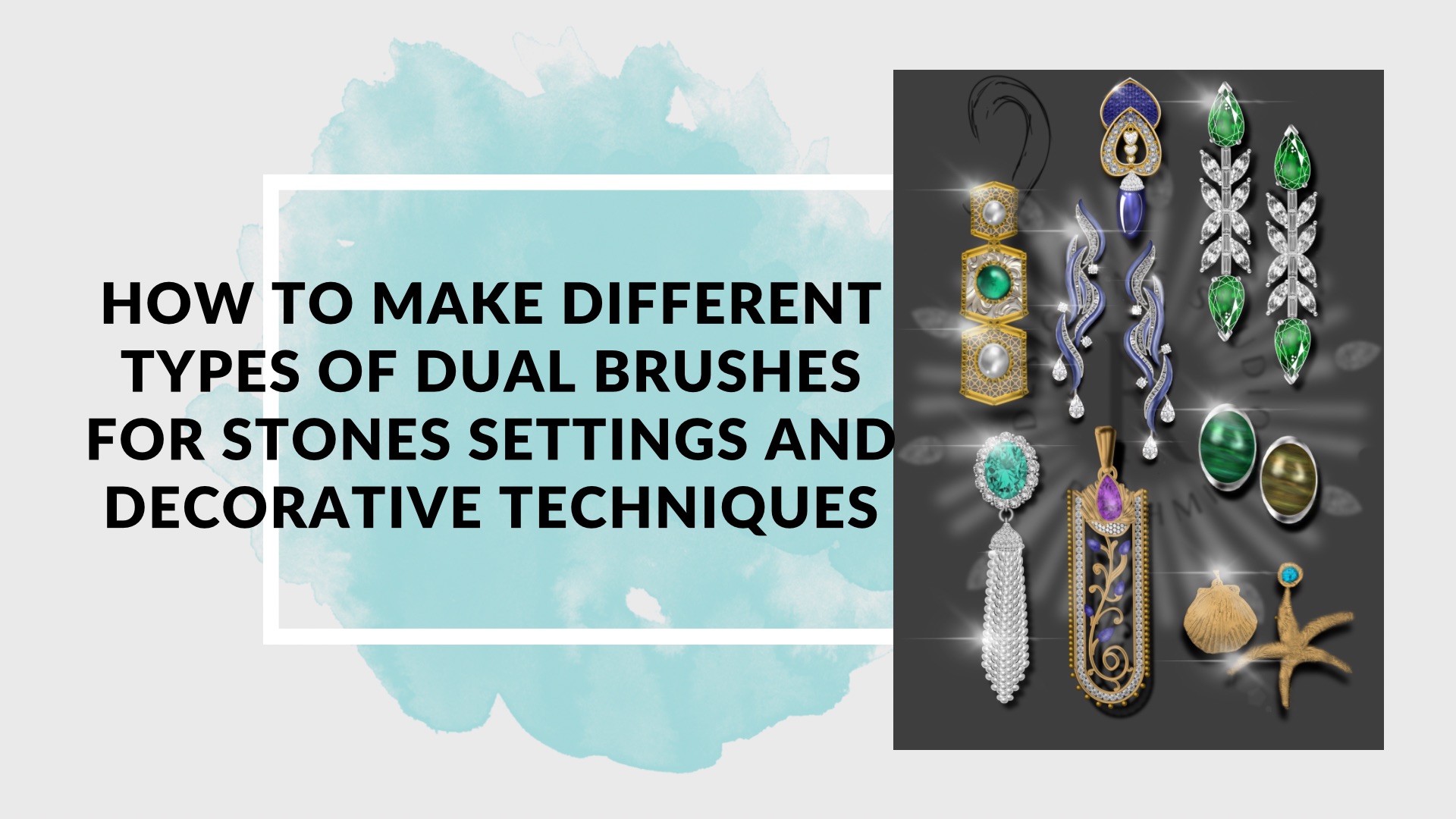
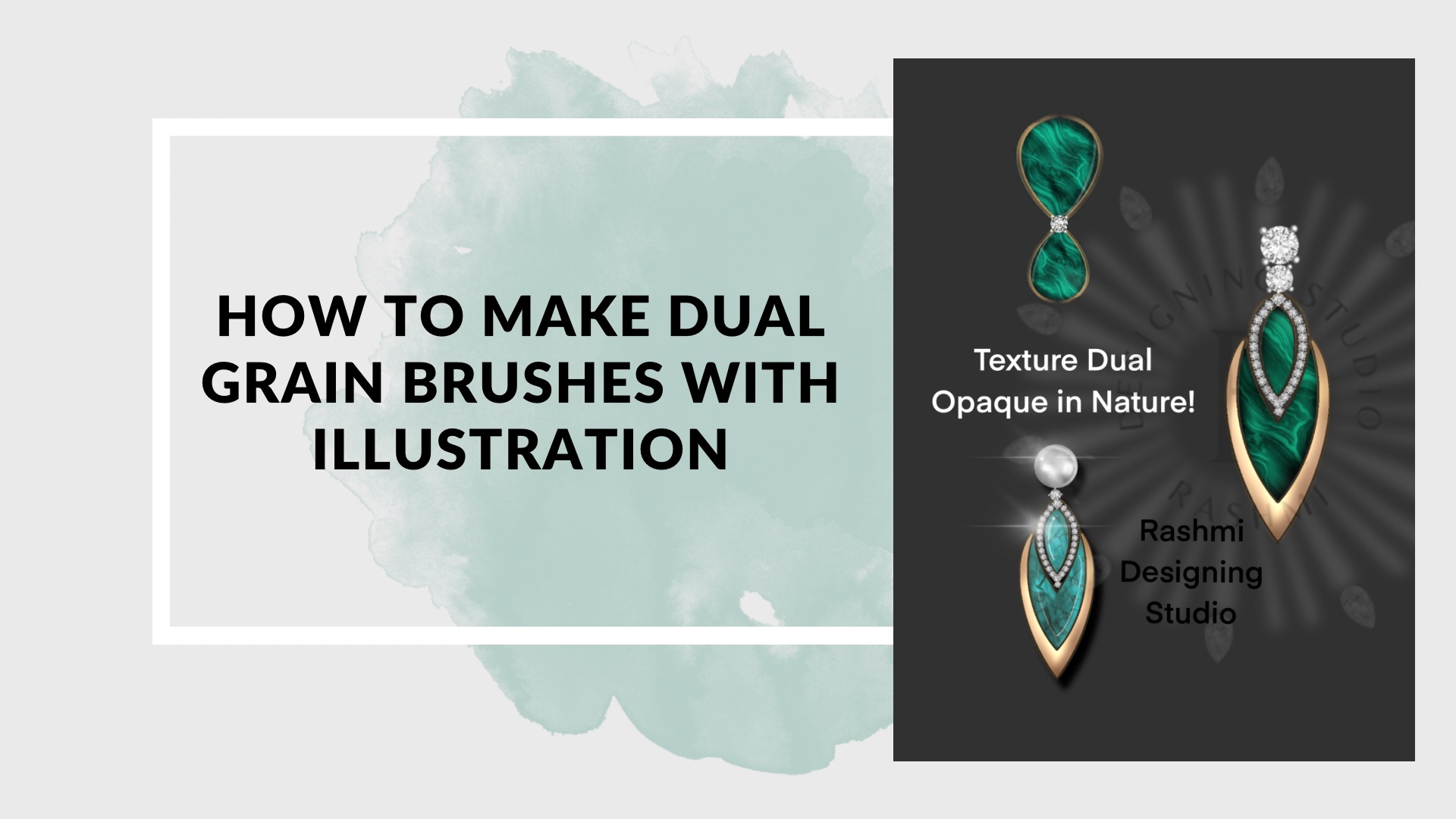
Different types of Dual Brush Making opaque in nature

Designing your own brushes for effective designing and rendering of  different products . How to make different types of brushes for showing filigree work stone setting  such as prongs ,motif brushes ,rendering of gemstones etc doing different types of finejewellery and gold jewellery with combination brush of two colors. As a result of the lesson you will draw a jewellery piece by using your hand made brushes by combining all the techniques learnt throughout the entire session.

Day 11

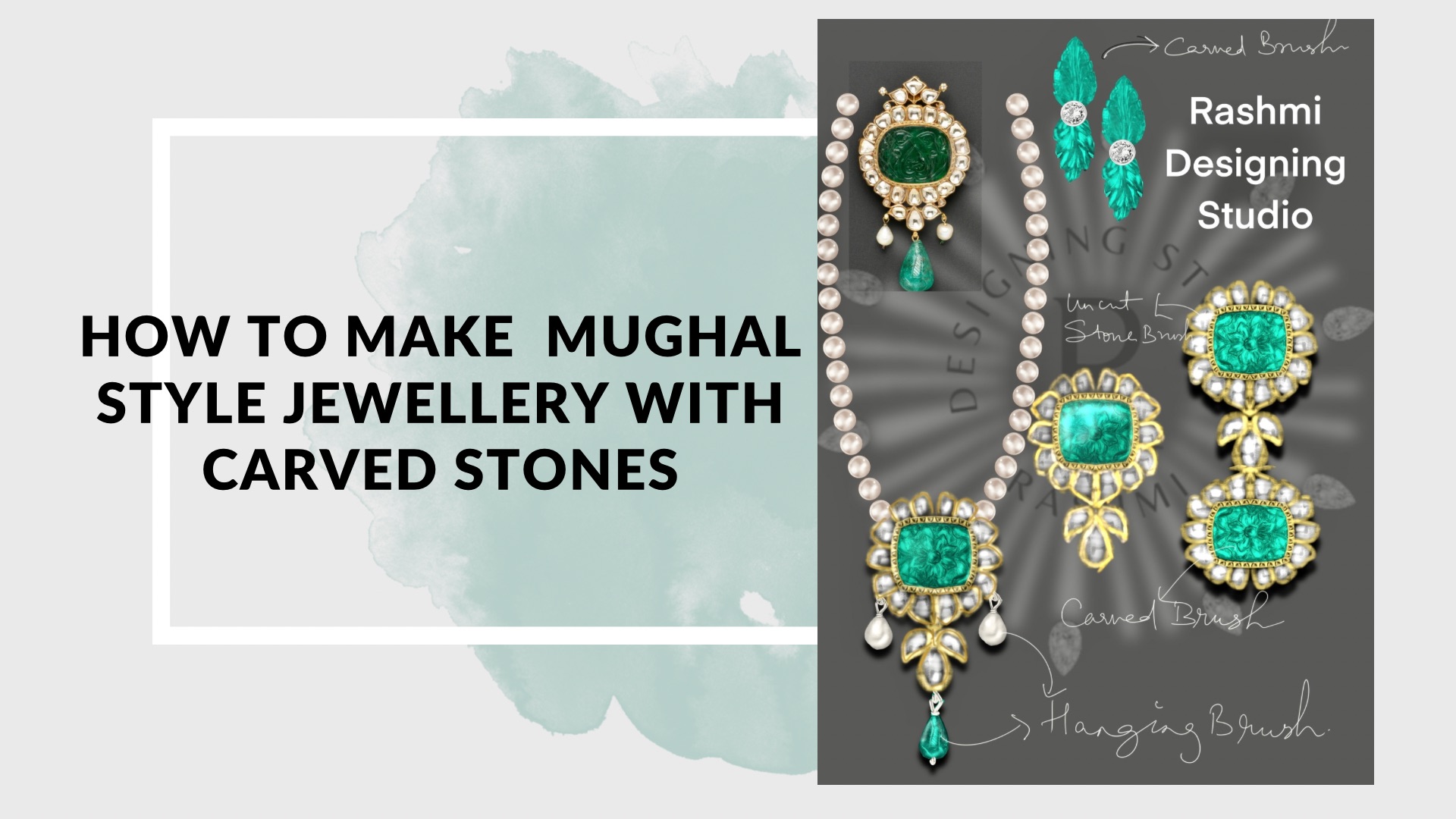
Traditional jewellery decorative techniques  of Mughal era based on uncut jewels with tapering brushes 
 

In this lesson we discover how to do and rendering of Mughal style jewellery  based on ,, pearls and Kundan (free hand painting)  Illustrations of different types of border metals and surface textures such as bezel ,carved stones,Granulation beads techniques by making tapering brushes  on procreate with help of custom brushes with pressure sensitivity ancient carved techniques for beaded strands As a homework assignment you will practice different  kind of products based on desired techniques!

Day 12

Traditional jewellery decorative techniques with enamelling techniques and coloured stone rendering on procreate

In this lesson we discover how to do and rendering of traditional jewellery  based on enamelling and rendering of coloured stones  with different types of pearls ,carved stones,techniques by using effective ways on procreate with help of custom brushes ( ancient carved techniques ) .. As a homework assignment you will practice different  kind of products based on desired techniques!

Day 13

Types of stones and surface textures for metal jewellery

Designing your own brushes for effective designing and rendering of products . How to make different types of brushes for showing different textures ,and semi precious stones such as malachite ,rendering of stones etc doing different types of gold jewellery with different stones.As a result of the lesson you will draw a jewellery piece by using your hand made brushes by combining all the techniques learnt throughout the entire session.

Day 14

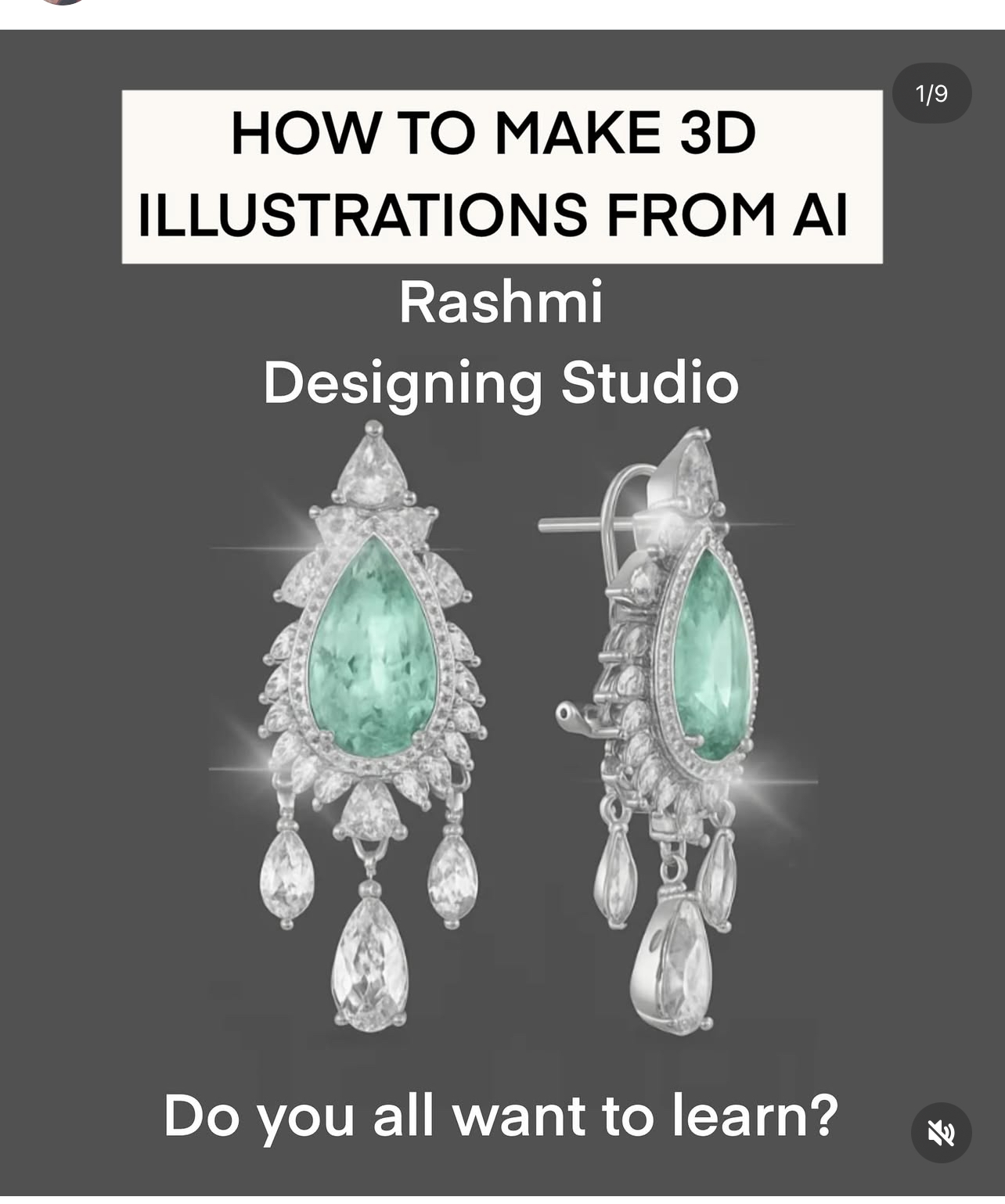
Get complimententary session on enrolling.How to convert your digital procreate illustration into 3d view with modifications and different variations.How to take measurements to set grid on procreate for measurements with the help of grids.How to add dimensions to the product on AI with perspective different view.

Day 15

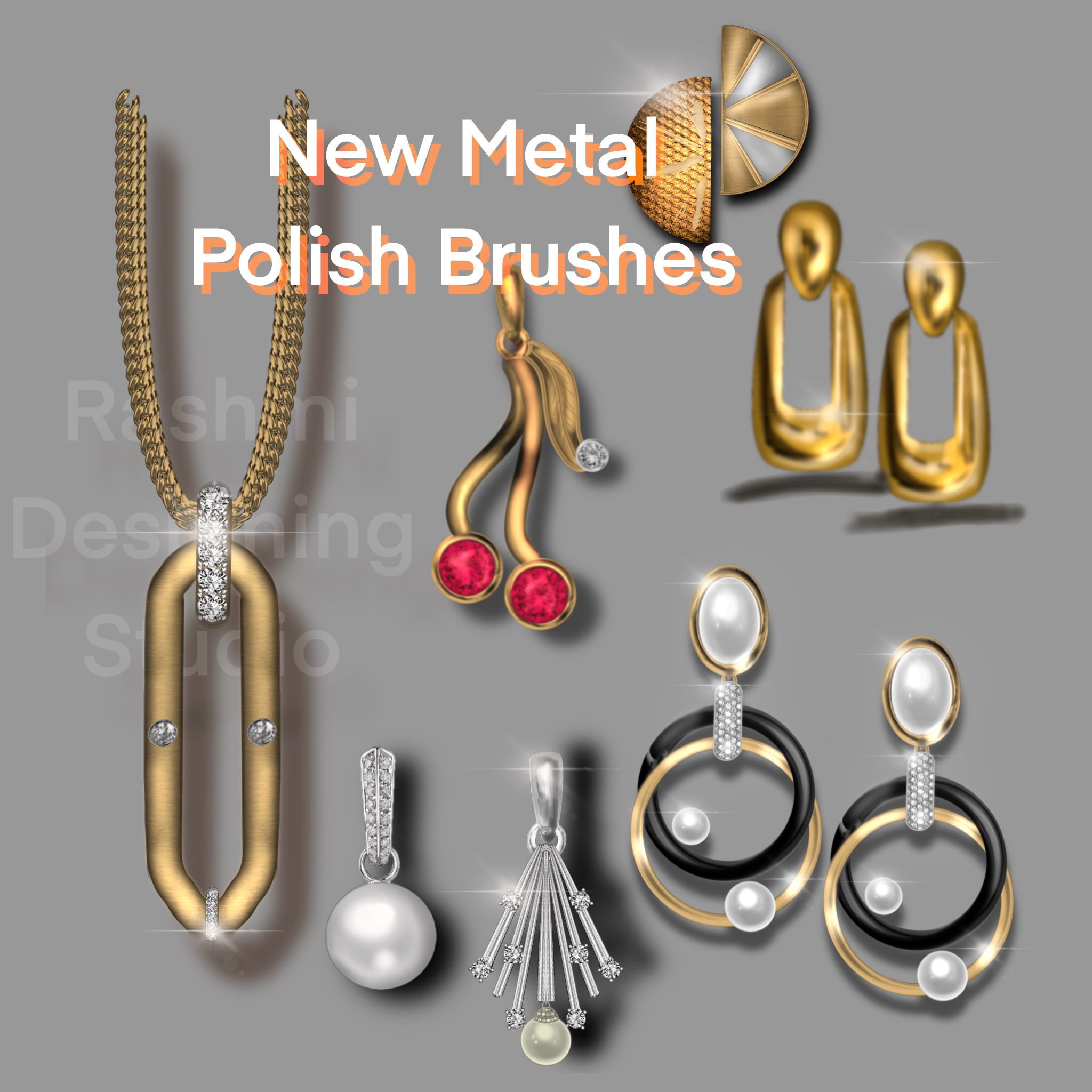
Types of metal polish and surface textures for metal jewellery Newly launched brushes for metal polish add on 40+ brushes

How to create jewellery of metal with Color combinations by adding polish with the new set of  brushes for showing different surface textures ,how to use the brushes for quick surface ,rendering without doing everything from the scratch ,an advanced technique of doing different types of  types of metal jewellery with diamonds and settings.Quick advance rendering of gold jewellery by using polish brushes .How to make your texture brushes effective with advanced settings  .As a result of the lesson you will draw a jewellery piece by using your hand made brushes by combining all the techniques learnt throughout the entire session.

Day 16

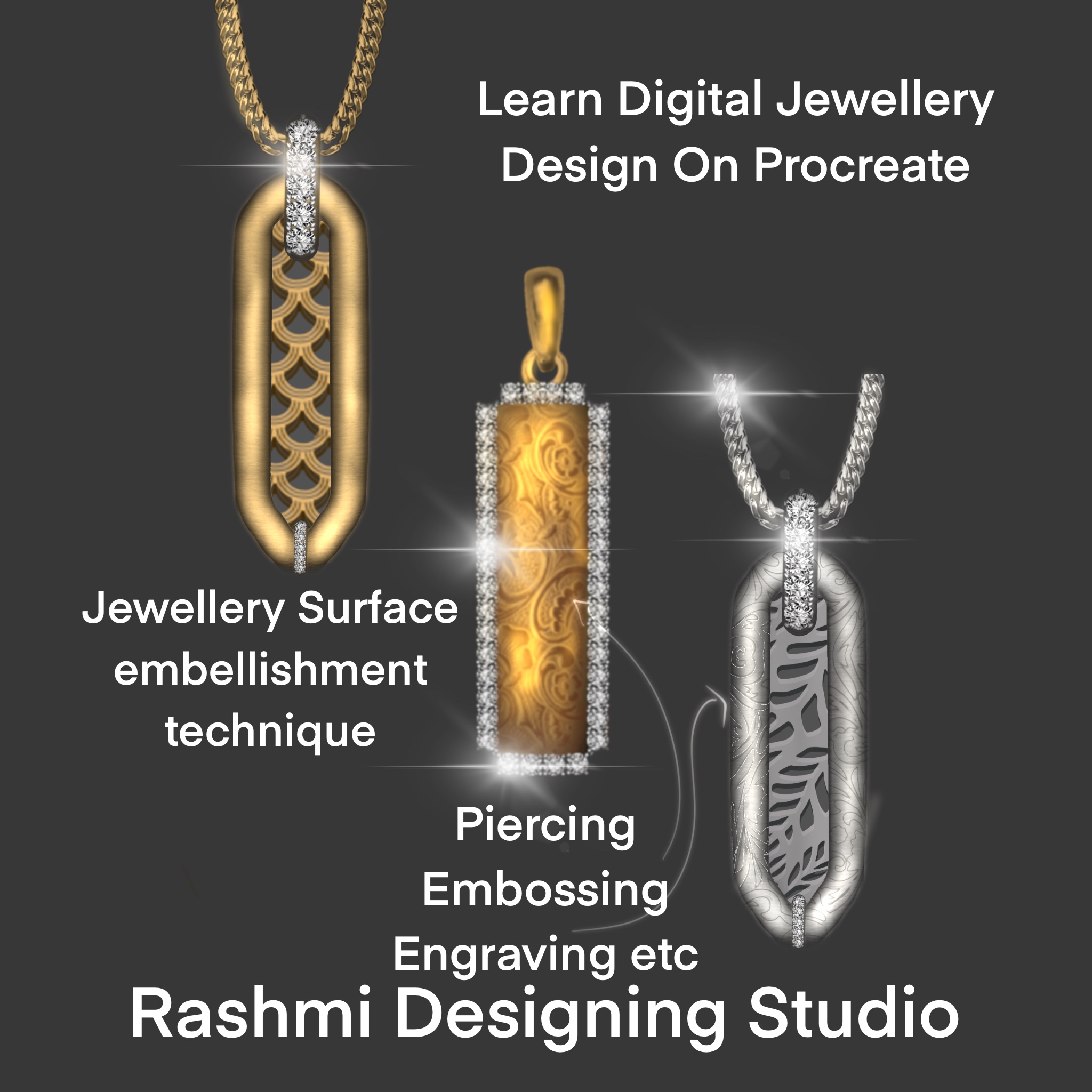
Types of Jewellery Embellishment techniques with hand rendering technique with brushes and surface textures for metal jewellery

How to create jewellery with jewellery decorative and surface textures such as engraving ,piercing ,Japanese technique,embossing ,piercing braided wire techniques etc.,how to use the brushes with ease for rendering ,an advanced technique of doing different types of gold jewellery with diamonds and settings. . .As a result of the lesson you will draw a jewellery piece by using your own style of jewels by combining all the techniques learnt throughout the entire session.

Day 17

Advance tips and tricks tools in procreate for brushes with settings 

How to make types of advance brushes motifs findings etc with add on bracelet making or any type of jewellery,using effective short cut tips and tricks as a result you will be making advance brushes for doing gold jewellery and bracelets.How to make beautiful gold temple jewellery brushes, for making  jewellery using ,Indian motifs with curved strokes with efficiency.As a result you will be making  Bracelet with different clasp and  findings.

FAQ's

Apple iPad iOS 13.2 or higher, Apple Pencil and procreate app .Procreate app is available on IOS store and have to purchased of your own.

Yes, course is suitable for all.

Subtitles will be there in English in all our recorded classes

Videos cannot be downloaded at any time on local drive. Internet connectivity is required to watch any recorded classes.

Payments can be made via website through credit/debit card and UPI for Indian customers. For other mode of payments like bank transfer/paypal, please contact us on Instagram.

Usually we deliver the recordings and all the course material after successful processing of the purchase transaction which generally takes 7 days or within few hours depending on the transaction.

Videos will be available to watch unlimited number of times for 3 months from the date of successful processing of the purchase transaction.It is upgraded from 29 th September,2024 onwards.

It’s a DIY (Do it Yourself) course which has been structured in such a way to take care of any potential queries faced by students in the recorded class itself. Additional materials with cheat sheets and brushes will also support students in further enhancing their skillset.

No , we don’t provide extension, in case of any situation student is unable to finish the course videos the duration of period is chargeable!

Videos will be available to watch unlimited number of times for 1 month from the date of successful processing of the purchase transaction. From 29 th September 2024 onwards videos have been upgraded to 3 months access.

Yes! After completing and learning all the techniques you can submit your best 9 Jewellery illustration sketches for final review! Make sure you compile them in a single mail and send us on our email or contact us form! We will send you our valuable feedback within few days! Note : Submission period within 1 month from the date of completion of the course

Absolutely yes!Download the material in your iPad along with the brushes for better protection, download in your iCloud Drive for extra backups .Once the course expires it will expire automatically on the website.Make sure you download all.